
ChessBase 16 Quick start guide
ChessBase 16 – Quick start guide 5 To save the current version of the game again use Ctrl+S for “Save”. To create a copy of the game use the command File Save Game As and then look for the desired database. Entering a position To enter a position just press S while the board is open and the appropriate menu will appear.
Download ChessBase 16 Quick start guide

Information
Domain:
Source:
Link to this page:
Related documents

LOW-VOLUME ROADS ENGINEERING
pdf.usaid.govService employees dedicated to watershed protection and building good roads. Most of the photos used in this manual either belong to the authors, Gordon Keller and James Sherar, or to Jerry Bauer, co-author on the “Minimum Impact Low-Volume Roads” Manual. Others belong to individuals as indicated on the specific photo.

Incident Metrics in SRE
static.googleusercontent.comeach data set. Manual inspection of arbitrarily chosen incidents from the data sets confirmed that these outliers are valid, and I also know from incident retrospectives that there are impactful multiday incidents even longer than that.6

Operator’s Manual - BAUER KOMPRESSOREN
www.bauer-kompressoren.deOperator’s Manual i INTRODUCTION ... The order number can be obtained through our technical customer service, Tel. 089--78049 175. Operator’s Manual 8 NOTES. Operator’s Manual 9 2. SAFETY REGULATIONS 2.1. GENERAL WARNING ... • SECURUS-----°° ° ° ↓ * BAUER ...
MANUAL OF POLICE TRAFFIC SERVICES POLICIES AND …
www.iadlest.org2.23 Calls for Service . PREFACE Year after year, traffic crashes claim more liv es, cause more serious injuries and property dam- ... Manual of Police Traffic Services Policies and Procedures Page 1 of 4 . 2. Any law enforcement officer in an authorized emergency vehicle may initiate a
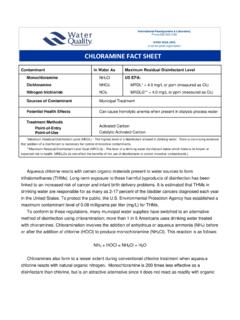
CHLORAMINE FACT SHEET - Water Quality Association
www.wqa.orgBauer, R.C. and V.L. Snoeyink, Journal Water Pollution Control Federation, 45:2290 (1973). ... EPA Guidance Manual: Alternative Disinfectants and Oxidants. EPA815R99014, (April 1999). ... Application Bulletin as a service to its members and the interested public. Information contained herein is based upon the