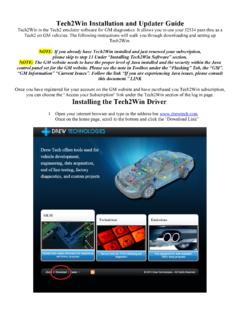
Installing the Tech2Win Driver - Drew Tech
Choose your J2534 device in the “Select Vehicle Communication Interface” Window and click ok. 18. The following message will appear. DO NOT PANIC! This is normal; Tech2win is looking for the MDI. Click “OK” to proceed. 19. Your Tech2Win should now be opened and look like this. Now we need to update the software level to
Download Installing the Tech2Win Driver - Drew Tech

Information
Domain:
Source:
Link to this page:
Related documents
Passenger / Light-Duty Vehicle Inspection Standard
www.mto.gov.on.cavehicle or vehicle component to ensure a vehicle is able to perform safely as intended. It includes component quality, performance levels, repair methods, durability, safety and the service methods outlined in the warranty and service literature provided for …

National Safety Code Standard 11 - CCMTA
ccmta.cavehicle maintenance program and represents the minimum criteria which would be evaluated in an audit of the carrier’s operation. January 2020 National Safety Code Standard 11 Maintenance and Periodic Inspection Standards – Page ii

Routine Vehicle Maintenance Checklist
irp-cdn.multiscreensite.comRoutine Vehicle Maintenance Checklist Vehicle maintenance doesn’t have to be scary or overwhelming. There are many simple things you can do yourself that take only a few minutes. Do the items you’re most comfortable with and leave the …