
Kia Full Map Navigation System
Switch on your navigation system and wait until the system is completely booted. ii. Press Setup key for a minimum of 5 seconds and a configuration of your system will be displayed. iii. Note the Device ID (12 characters example: 001EB2D36510). ... Disconnect the USB flash drive and your navigation system is now ready for use.
Download Kia Full Map Navigation System

Information
Domain:
Source:
Link to this page:
Related documents
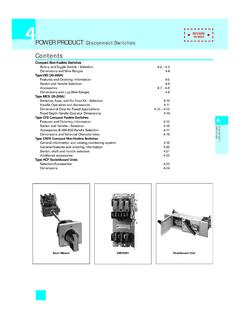
POWER PRODUCT Disconnect Switches - Siemens
assets.new.siemens.com4-4 Siemens Canada Limited Power Product Catalogue 4 DISCONNECT SWITCHES Disconnect Switches Compact Non-Fusible — Rotary and Toggle Selection 0.31 in. (8 mm) F E C D A H G 0.16 in. (4 mm) B J 3LD2 16-250A Dimension Drawings and Wire Ranges Dimension J Minimum Deptha aDepth from outside of cover to back of switch. b Handle front plate …

Managed PoE+ Gigabit Switch with SFP
dl.ubnt.com1. Disconnect the Power Cord from the EdgeSwitch. 2. While connecting the Power Cord to the EdgeSwitch, hold the Reset button for about 15 seconds until the System LED flashes blue for two seconds. This indicates that the EdgeSwitch has reset to its factory defaults.

Indoor/Outdoor 5-Port PoE Gigabit Switch with 802.3bt ...
dl.ubnt.com1. Attach the bottom half of the Port Cover to the switch and snap it into place. 2. Connect an Ethernet cable from an 802.3af/at/bt switch or PoE adapter to the PoE In port (Port 1) on the switch and a LAN cable to any port 2 through 5. 3. Place the top half of the Port Cover over the bottom half and snap them together.

Universal Visible-blade Disconnect Switches Specifications
literature.rockwellautomation.comDisconnect switch, rod, or cable operated(2) (2) Aluminum lug/line kits are provided with each disconnect switch, sizes 30…100 only. NNon-fusible30 30 A CR Threaded rod J Class J clips 60 60 A C3 Cable length — 3 ft (0.91 m) R Class R clips 100 100 A C4 Cable length — 4 ft (1.2 m) 200 200 A C5 Cable length — 5 ft (1.5 m)