
Nest x Yale Lock Programming/Troubleshooting Guide
Check the door gaps for any foreign objects between door and frame. Check that the cable is firmly connected to the inside lock circuit board. • • • Check to see if Auto Re-lock Mode is enabled. Disable Auto Re-lock Mode to lock the door (automatically). If low battery indicator is lit, change batteries. Lock does not respond – door is ...
Download Nest x Yale Lock Programming/Troubleshooting Guide

Information
Domain:
Source:
Link to this page:
Documents from same domain

Yale 7000 Series Exit Device - us.yalehome.com
us.yalehome.comseries exit devices meet life safety codes and fire safety requirements, allowing for local ordinances to be met and allowing peace of mind for the people inside. ... conditions. Lumi-lite absorbs ambient lighting which is then emitted when the light source is diminished or eliminated.
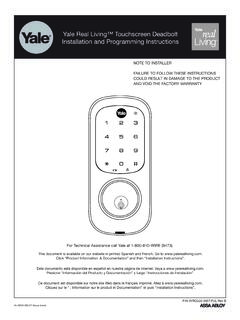
Yale Real Living™ Touchscreen Deadbolt Installation and ...
us.yalehome.com3 An ASSA ABLOY Group brand P/N AYRD220-INST-FUL Rev B IMPORTANT: Do not install batteries until the lock is completely installed on door. For your convenience, the Yale Real Living lock will automatically determine
Related documents

Doormerica - abs-abs.com
abs-abs.com6 American Building Supply, Inc. 6/21 ABSAMERICAN BUIDIN SUPPY INC Doormerica LSV - Standard Duty Commercial Cylindrical Locks-Grade 2 Stocked Product ItemStyle Finish LSV10, LSV20, LSV40, LSV53, LSV70, LSV80, LSV170 Saturn/Sparta 26D
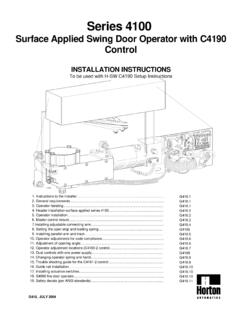
Series 4100 - Hollow metal door and door hardware ...
absupply.netConfirm handing of door before installing operator. Refer to section 17 for instructions if changing hand of operator is required. See H-SW C4190 Set Up Instructions section 11 for wiring options and fire door requirements 3. OPERATOR HANDING EXTERIOR LH LHR Output shaft 1 1/2"(38) Required overlap at the jamb. 3/4" (19) CL Pivot Side Blocking ...

E Series Mortise and Rim Cylinders
49b47x29yvjv1mgk0k4dtb4a-wpengine.netdna-ssl.comE Series Mortise and Rim Cylinders 5 Diameter – 1-5/32" Length – 6 pin: 1-1/8; 7 pin: 1-9/32" Rim – 6 pin: 1-3/16"; 7 pin: 1-11/32" Material – Solid brass or bronze Cam – Standard 1E-C4 cam (see page 4) 1E series supplied unless otherwise specified. Rings – Ring packages are supplied standard as follows (unless otherwise specified): Mortise 6 pin: RP2 ring package (see page 2),