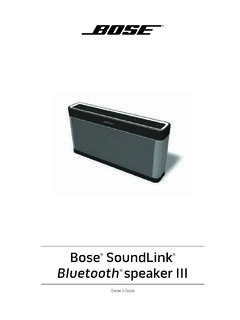
Owner’s Guide
in a residential installation. This equipment generates, uses, and can radiate radio frequency energy and, if not installed and used in accordance with the instructions, may cause harmful interference to radio communications. However, there is no guarantee that interference will not occur in a particular installation. If this equipment does
Download Owner’s Guide

Information
Domain:
Source:
Link to this page:
Documents from same domain
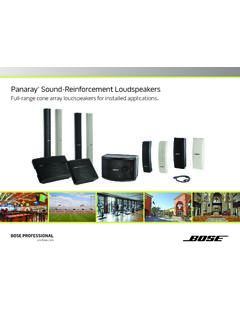
Panaray Sound-Reinforcement Loudspeakers
assets.bose.comPanaray ® Sound-Reinforcement Loudspeakers Full-range cone array loudspeakers for installed applications. 2 From the legendary Bose® 901 ® to the Professional 802 Bose first demonstrated the advantages of full-range cone driver arrays with the revolutionary 901 Direct/Reflecting® high-fidelity loudspeaker. Based on extensive …

SOUNDSPORT - Bose Corporation
assets.bose.com• ®Unlock the full potential of your SoundSport wireless headphones • Free app compatible with most Apple and Android™ systems • Easily connect and switch between multiple Bluetooth® devices with a single swipe
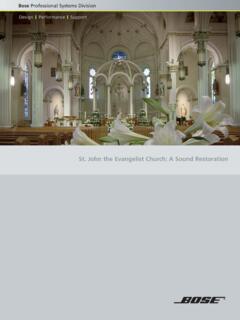
St. John the Evangelist Church: A Sound Restoration
assets.bose.comA major restoration at St. John the Evangelist Catholic Church in Delphos, Ohio, created an unexpected reverberation problem that lasted for more than seven years.
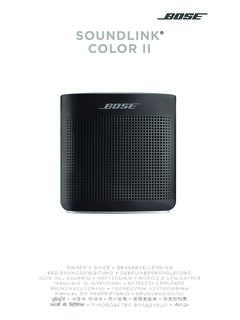
SOUNDLINK COLOR II - Bose Corporation
assets.bose.comBose Corporation hereby declares that this product is in compliance with the essential requirements and other relevant provisions of Directive 2014/53/EU and all other applicable EU directive requirements.
SOUNDLINK - Bose Corporation
assets.bose.comBose Corporation hereby declares that this product is in compliance with the essential requirements and other relevant provisions of Directive 2014/53/EU and all other applicable EU directive requirements.
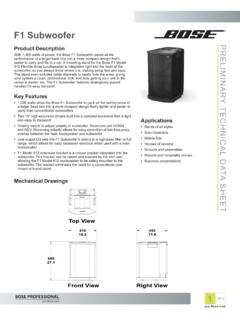
PRELIMINARY TECNICAL DATA SEET - Bose Corporation
assets.bose.com1 OF 3 PRELIMINARY TECNICAL DATA SEET proBosecom F1 Subwoofer Applications • Bands of all styles • Solo musicians • Mobile DJs • Houses of worship • Schools and universities • Resorts and hospitality venues • Business presentations Product Description With 1,000 watts of power, the Bose F1 Subwoofer packs all the
SoundSport Free Wireless - Bose
assets.bose.comWIRELESS. 2 - ENGLISH ITN SE INSINS Please read and keep all safety and use instructions. Important Safety Instructions ... • Do NOT submerge or expose the earbuds for extended period to water, or wear while participating in water sports, e.g., swimming, waterskiing, surfing, etc.
WAVE SOUNDTOUCH PEDESTAL - Bose
assets.bose.comSoundTouch pedestal: • Place the rear feet of the Wave music system into the recesses on top of the SoundTouch pedestal. • Make sure the Wave music system sits flat and the side edges of both parts are aligned. 3. Insert the SoundTouch pedestal’s cable into the Bose link connector. Connect the system to power
Gebruikershandleiding
assets.bose.comDUTCH - 3 WETT CHT UDCH ORMAT ... Apple, het Apple-logo, iPad, iPhone en iPod zijn handelsmerken van Apple Inc., gedeponeerd in de VS en andere landen. App Store is een servicemerk van Apple Inc. Het handelsmerk ‘iPhone’ …

Bose SoundLink
assets.bose.comConnect to AC power via the speaker You can connect to AC power by connecting the DC power cord directly into the speaker. 1. Follow steps 1 and 2 from “Connecting to AC power” on page 10. 2. Plug the DC power cord on the power supply into the DC connector on the Bose® SoundLink® Mini speaker. 3. Follow step 5 from “Connecting to AC ...
Related documents
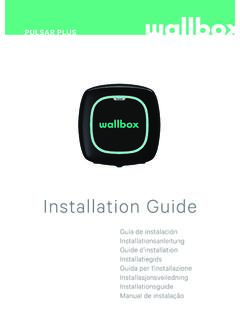
Installation Guide - Wallbox Academy
support.wallbox.comJul 23, 2019 · Installation Guide Guía de instalación Installationsanleitung Guide d’installation ... Heat emitters such as radiators or batteries. Areas prone to flooding, running water or humid environments. ... Use the selector to select the maximum input current of …

HD Digital Cable Set-Top-Box N8783C
help.suddenlink.com< > and press SELECT on the desired destination. Guide Select Guide on the Main Menu or press the Guide key on the remote to display the Program Guide. You can browse up to two weeks of program schedule information. Settings Navigate to the settings section form the Main Menu to perform the following actions.
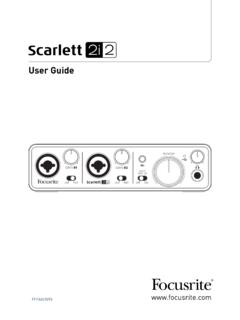
User Guide - Focusrite
resource.focusrite.comLite are beyond the scope of this User Guide, but the application includes a full set of Help files. Please note - your DAW may not automatically select the Scarlett 2i2 as its default I/O device. In this case, you must manually select the driver on your …
ARRIS DVR Receiver Installation Manual
www.att.comThis installation manual introduces the basic features, outlines important safeguards, and provides options for integrating your TV receiver into your entertainment system. Take a few moments to read through this manual. Its configuration diagrams and troubleshooting section will help you make the most of your home entertainment experience.

The Bose Acoustimass 5 Series III Speaker System
assets.bose.comPlease read this owner’s guide The set-up and operation of your Acoustimass 5 Series III speaker system is significantly different from other speakers. Please take the time to read this owner’s guide carefully. It will help you set up and operate your system properly and enjoy all of its advanced features.