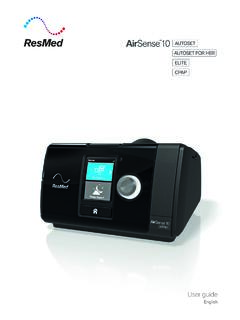
User guide - Easy Breathe
2. Press Start/Stop or breathe normally if SmartStart is enabled. You will know that therapy is on when the Sleep Report screen is displayed. The current treatment pressure is shown in green. During ramp time the pressure is gradually increasing and you will see a spinning circle. Once the prescribed treatment pressure is reached, the entire
Download User guide - Easy Breathe

Information
Domain:
Source:
Link to this page:
Documents from same domain

User manual - Easy Breathe
www.easybreathe.comUser anual 1 Caution: U. S. federal law restricts this device to sale by or on the order of a physician. Intended Use The Philips Respironics DreamStation systems deliver positive airway pressure therapy for the treatment of Obstructive Sleep Apnea in
Related documents

Progressive Muscle Relaxation Script - Berkeley Law
www.law.berkeley.edubreathe notice your stomach rising and your lungs filling with air. As you exhale, imagine the tension in your body being released and flowing out of your body. And again inhale…..and exhale. Feel your body already relaxing. As you go through each step, remember to …

Breathe Easy with Fresh Air in the Home - Energy Star
www.energystar.govBreathe Easy with Fresh Air in the Home Without mechanical ventilation to provide fresh air, moisture, odors, and other pollutants can build up inside a home. Mechanical ventilation systems circulate fresh air using ducts and fans, rather than relying on airflow through small holes or cracks in a home’s walls, roof, or windows.

5th Grade - Lesson 1.1 Matter is Made of Tiny Particles
www.acs.orgnitrogen, and carbon dioxide that we breathe every day. Explain that a gas is made up of extremely tiny particles. Tell students that a gas is very different from a solid. Tell students that if they still doubt that there is anything in the bottle, they can put a balloon on it and see what happens when they squeeze the bottle. 2.
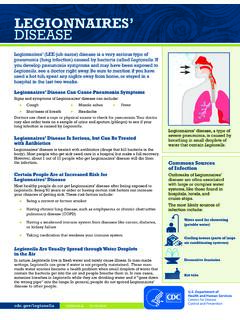
Legionnaires’ Disease - Centers for Disease Control and ...
www.cdc.govJul 18, 2016 · contain the bacteria get into the air and people breathe them in. In rare cases, someone breathes in Legionella while they are drinking water and it “goes down the wrong pipe” into the lungs. In general, people do not spread Legionnaires’ disease to other people. Legionnaires’ disease, a type of severe pneumonia, is caused by
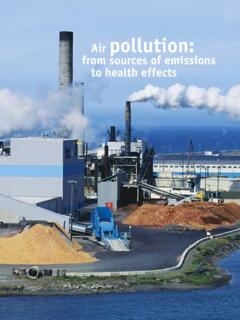
Air pollution: from sources of emissions to health effects
breathe.ersjournals.comBreathe | December 2004 | Volume 1 | No 2 109 REVIEW INSERM U472, Epidemiology of Allergic and Respiratory Diseases (EPAR), Villejuif, France. Correspondence: C. Pénard-Morand INSERM U472, EPAR Dept 16, Avenue Paul Vaillant Couturier F94807 Villejuif France Fax: 33 145595169 E-mail: celine.morand@polytechnique.org Educational aims
Breathe In, Breathe Out: The Respiratory System
extension.illinois.eduBreathe In, Breathe Out: The Respiratory System Fourth Grade, Fifth Grade Science, by Sanayya Sohail September 19, 2015 Show your students the parts that work together to make a person breath! Have them compare the lungs of a healthy person, the lungs of a smoker, the lungs of a city resident, and the lungs of a miner. Learning Objectives