User Guide - KYOCERA
visible on the display are as follows. Example : On the Home screen tap [About phone]. Explanation : Tap the icon at the bottom of the Home screen. On the Apps list that is displayed, swipe right or left and tap . Then swipe up and down on the Settings menu screen that is displayed, and tap [About phone]. Notes
Download User Guide - KYOCERA

Information
Domain:
Source:
Link to this page:
Documents from same domain
Fine Ceramics for Electronics - KYOCERA GROUP GLOBAL SITE
global.kyocera.com5713 East Fourth Plain Blvd.,Vancouver ,WA 98661 Tel:+1-360-696-8950 Fax:+1-360-696-9804 <EUROPE> KYOCERA Europe GmbH ... or form electrode patterns (metallization) by printing or plating the substrates. 04 For product details, please contact | webmaster.fc@kyocera.jp For product details, please contact | webmaster.fc@kyocera.jp 05
Related documents

Top 300 Organizations Granted U.S. Patents in 2021
ipo.org119 japan display inc. 365-37%. 120 tsinghua holdings 360. 5%. 121 abbott laboratories 357-2%. 122 comcast corporation 352-7%. 123 johnson controls 351-9%. 124 illinois tool works inc. 348. 1%. 125 mastercard incorporated 343. 6%. 126 snap inc. 342. 70%. 127 emerson electric co. 341-24%. 128 zf friedrichshafen ag 337. 32%. 129 yazaki ...

User Guide - AT&T
www.att.comWarning: Use only Kyocera-approved batteries and chargers with your phone. The failure to use a Kyocera-approved battery and charger may increase the risk that your phone will overheat, catch fire, or explode, resulting in serious bodily injury, death, or property damage. Battery Capacity Your phone is equipped with a Lithium Ion (Li-Ion) battery.
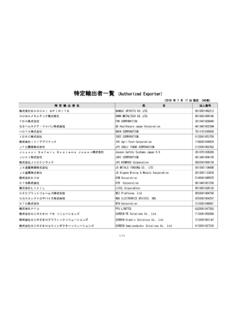
特定輸出者一覧 (Authorized Exporter) - Customs
www.customs.go.jp京セラ株式会社 KYOCERA Corporation 4130001000049 ... 株式会社ジャパンディスプレイ Japan Display Inc. 6040001059563 株式会社ショーワ SHOWA CORPORATION 8030001086904 シロキ工業株式会社 SHIROKI CORPORATION 2021001001140