
User Manual - Sceptre
6. CD-ROM (contains user manual) 7. Quick Installation Guide 3.Connecting power 3.1 Plug the female end of the power cord into the POWER port at the rear of the monitor. 3.2 Plug the male end of the power cord into a power outlet. 4.Switching on 4.1 Switch on your computer. You should now be able to see the picture.
Download User Manual - Sceptre

Information
Domain:
Source:
Link to this page:
Related documents

DSO5000P Series Digital Storage Oscilloscope User Manual
www.hantek.comproduct. Refer to the product manual for detailed information about ratings before making connections to the product. Do not operate without covers. Do not operate this product with covers or panels removed. Avoid exposed circuitry. Do not touch exposed connections and components when power is present. Do not operate with suspected failures.
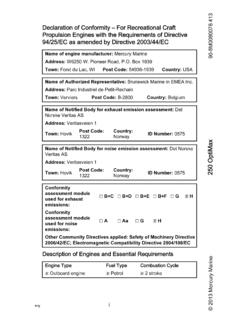
Mercury 250 Optimax Manual - New York Division of Military ...
dmna.ny.govThe engine exhaust from this product contains chemicals known to the state of California to cause cancer, birth defects or other reproductive harm. Warranty Message The product you have purchased comes with a limited warranty from Mercury Marine. The terms of the warranty are set forth in the Warranty Information section of this manual. The ...
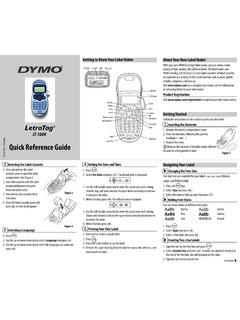
Quick Reference Guide - DYMO
download.dymo.com2. Select a label to recall and press . To clear a memory field, first recall a label and then press . Adding Symbols The label maker supports the symbols shown below. What to do if your product is defective DYMO offers you the following service options: ♦DYMO Web site : In most situations a visit to www.dymo.com will give you the right ...
OUR COMPANY’S Recall Plan
web-dfsr.s3-fips-us-gov-west-1.amazonaws.comAnyone who received purchased or used the product being recalled. Depth of Recall: Defines the level of product distribution for the recall (consumer, retail, institutional, wholesale) Distribution List: A product specific distribution list, which identifies accounts that received the recalled product.