Transcription of HOW TO SEARCH FOR DIR REGISTERED CONTRACTORS A …
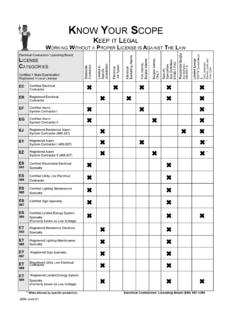
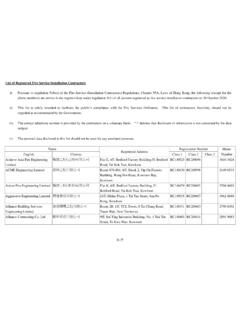
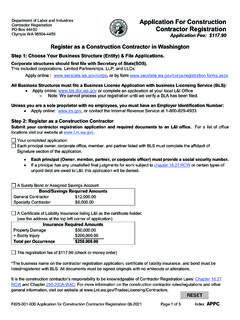
1 Prepared By: Jovan Esprit (January 2015) Purchasing & Contract Services HOW TO SEARCH FOR DIR REGISTERED CONTRACTORS A GUIDE FOR DISTRICT AND CAMPUS USERS TO SEARCH FOR DIR REGISTERED CONTRACTORS 1) Open the California Industrial Relations Home Page ( ) 2) Click on Public Works Project; 3) Under contractor Registration click on Searchable Database ; 4) Form PUBLIC WORKS contractor REGISTRATION SEARCH will appear; 5) Registration Number: If you know the Registration Number enter the ten (10) digit number; 6) contractor Legal Name: contractor name must be their full legal name; 7) License Number: Enter the CSLB License Number; 8) Click on SEARCH WHAT IF YOU TRIED STEPS 5, 6, 7 AND NONE OF THOSE WORK .. Try this method: 1) At the contractor Legal Name, type the contractor s name (one word only) Example: FIX (for Fix Painting Company) Click SEARCH It will give you all REGISTERED CONTRACTORS with the word fix on their legal name 2) If you are searching for REGISTERED CONTRACTORS for B General Building contractor At the contractor Legal Name, Type GENERAL Click on SEARCH It will give you a list of CONTRACTORS with the word general on their legal name DO THE SAME IF YOU ARE SIMPLY LOOKING FOR REGISTERED CONTRACTORS WITH SPECIALTY TRADES SUCH AS THE FOLLOWING: ENGINEERING, PLUMBING, ELECTRIC, ELECTRICAL, PAINTING, MECHANICAL, HVAC, FLOORING, PAVING, ROOFING, GRADING, etc.
2 OR SIMPLY TYPE THE FIRST WORD OF THE COMPANY S LEGAL NAME .. For CSLB License Classifications: If you still need clarifications, please contact Marie Hampton, Director of Purchasing Prepared By: Jovan Esprit (January 2015) Purchasing & Contract Services