Transcription of How to Login to the Accident Avoidance Course
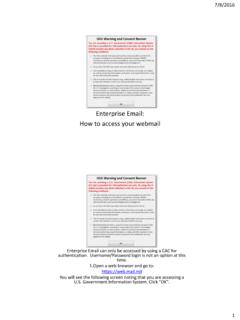
1 How to Login to the Accident Avoidance Course Type in the address bar, Then click on the link Class Documents Login using your CAC Card. Select the right state code and click proceed Click the search link Search Accident Avoidance in the search bar Begin Registration Click Begin registration Click Complete Registration Click Go to In-Progress Learning Click on the link to the Accident Avoidance Course Click Launch Click Army POV 1-3 Take The Test! Once Completed, Click Home Click In-Progress Learning Click Actions and Print Certificate Click Print Save as a PDF file Save the file to the Desktop Save the File as Last Name, First Name AAC Complete!
2