Transcription of How to Check the Status of Your Application
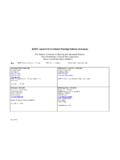
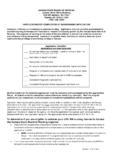
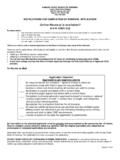
1 Check THE Status OF your Application ON LINE! With the implementation of new software, KSBN has added a new service available to their applicants and licensees. We are proud to announce that nurses may now Check the Status of their Application at any time. The service is available 24 hour a day-7 days a week. If you have a new Application or have renewed your license you may Check to see the Status of that Application by logging in to and click on Check Status of Application . Simply enter your UserID and Password or register so you will have a UserID and Password. To Check the Status of your Application click on view checklist for each license you are applying for or renewing (see examples below). The licensure requirements will display showing what has been completed and what is outstanding. The outstanding items are marked unchecked.
2 Items that have been received will be marked completed. Watch the newsletter for new service announced in the future. Go to and click on Check Status of Application Enter your UserID & Password. To Check the Status of your Application click on View Checklist The Licensure Requirements list will display showing what has been completed and what is outstanding.