Transcription of Downloading, installing and running InstallRoot - …
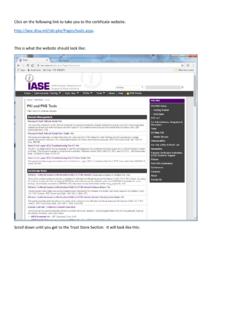
1 downloading , installing and running InstallRootSome DoD websites require installation of DoD root certificates on your computer before permitting access. Follow these instructions to install required root a browser and type the following into the URL field: Or perform a Google search for InstallRoot disa and select the first the page that displays, select the Trust Store tab (red arrow below) to display the InstallRoot page. Click Non Administrator (green arrow) to download the and execute the file by clicking on it in the status line of the browser or in the Downloads directory. This screen will display. Click the next screen, click Next to accept the default installation Next to accept the screen may display if existing certificate stores are found. Click this screen displays, installation is complete.
2 Click Run InstallRoot to execute the windows will display. Arrange them so they do not overlap. Click Next on the window labeled installing DoD certificates is easy! 10 Click Next again. 11 Click Finish in the installation window. Then click Install Certificates in the program window. You may see dialog boxes (Security Warning window below) asking if you want to install certificates. Click screen will display:13A listing of all installed certificates will display. Click OK. Click the X in the upper-right corner of the program window to close the program. A dialog panel referring to configuration changes may display. If so, choose the option desired and the program will end.