Example: tourism industry

AP TMS - tender.apeprocurement.gov.in

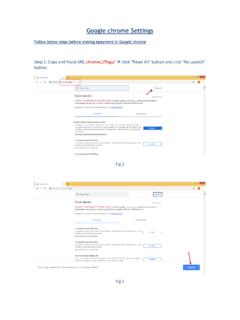
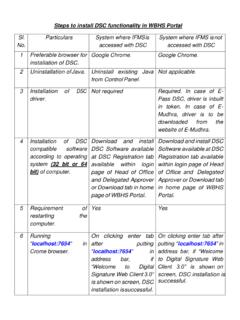
AP TMS Even after downloading the emsigner, if System is displaying the alert messages to download new version. Screen-1 Then Go to your Desktop Search the Emsigner Click on Run as Administrator. Screen-2 After clicking on the run as administrator system will display the pop up as Emsigner Started Successfully click on OK (Mandatory). Screen-3 After clicking on OK Open the browser add the exemption of port binding URL :2077/ chrome/Mozilla/Edge. Screen-4 Click on advance. Screen-5 Click on Proceed to (safe) Screen-6 Now open the portal refresh the portal mention your credentials click on login. Screen-8 Screen-9: User Dashboard.

e-Mudhra Sub CA for C e-Mudhra Sub CA for C e-Mudhra Sub CA for C.. Serial No f871a5 . f8725g Expiry Date 30-01-2022 30-01-2022 Register ap©procurement tender emSlgner Home I I MIS RepŒts I Government Attention User ! Tenders Graph based on 'enders Plñlished tail id : e Signature Certificates Common Name C ass 3 ndividua test

Tags:

  Durham, E mudhra

Information

Domain:

Source:

Link to this page:

Please notify us if you found a problem with this document:

Other abuse

Advertisement

Transcription of AP TMS - tender.apeprocurement.gov.in

1 AP TMS Even after downloading the emsigner, if System is displaying the alert messages to download new version. Screen-1 Then Go to your Desktop Search the Emsigner Click on Run as Administrator. Screen-2 After clicking on the run as administrator system will display the pop up as Emsigner Started Successfully click on OK (Mandatory). Screen-3 After clicking on OK Open the browser add the exemption of port binding URL :2077/ chrome/Mozilla/Edge. Screen-4 Click on advance. Screen-5 Click on Proceed to (safe) Screen-6 Now open the portal refresh the portal mention your credentials click on login. Screen-8 Screen-9: User Dashboard.

2 Screen-10 ----------------------------THE END.


Related search queries