Transcription of 1. Go to: http://java.com/en/download/installed.jsp …
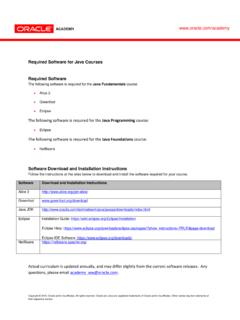
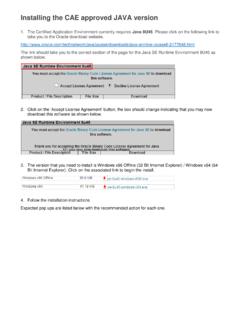
1 1. Go to: 2. Verify java Version > Click Verify java Version. If your machine is already running the latest version, you are done. All others go to the next instruction. 3. Download java Now >> Click Download java now 4. Agree and Start Free Download > Click 5. Do you want to run or save this file? > Run 5. Welcome to java > Click Install 6. Do you want to run or save this file? > Run 7. Security Warning > Run (Many machines may ask this again, hit Run) 8. We recommend installing the FREE Browser Add-on Install the Ask Toolbar and make Ask my default search provider. > No, remove the check mark on any add on tools. > Hit Next 9. Installing java (will take approx. 30 seconds) 10.
2 You should get the successful installed java screen. You will need to shut down your internet browser and restart to activate the new java version.