Transcription of Alpha e-Learning
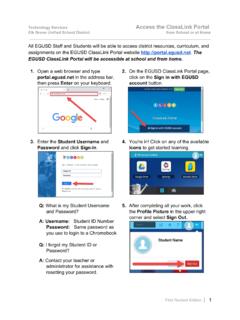
1 How to use my Alpha e-Learning Before accessing your e-Learning for the first time, make sure you: -Have paid all your fees for the semester (you should have a confirmation that your balance is clear); -Have submitted your updated student permit and enrollment contract to our student services team; -Have received your student time table You can access your Alpha e-Learning at Or just click the button below: Access e-LearningTIP: - You can also access the e-Learning through the e-Learning button on the Alpha College website ( ) Accessing the e-Learning for the first time If you are accessing the e-Learning for the first time, you must reset your password .
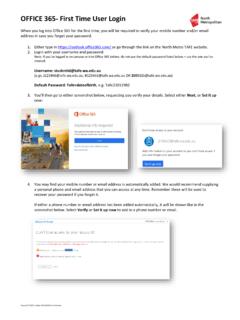
2 To do so: 1 - Click the Forgotten your username or password or click here link on the e-Learning login screen Accessing the e-Learning for the first time 2 - Search by Student ID OR email address (make sure to use only one of these options). TIP You can find your Student ID on your Letter of Acceptance. Accessing the e-Learning for the first time 3 - You will receive a link to your registered e-mail with Alpha to reset your password and access your account. IMPORTANT Make sure you have paid all your fees, submitted your updated study permit, and registered for the semester before resetting your password .
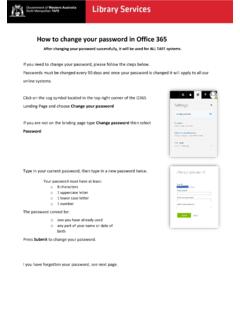
3 You will only be able access your e-Learning account once your situation is clear and your timetable is issued. Accessing the e-Learning for the first time 4 Create your new password and click Save Changes. After this you will be able to login into your login account using your Student ID and new password . TIP Your password must have at least 8 characters, at least 1 digit(s), at least 1 lower case letter(s), at least 1 upper case letter(s), at least 1 non-alphanumeric character(s) such as as *, -, or # Navigating e-Learning : HOME My Courses here you will find the courses you are enrolled in Upcoming events and Calendar in this section you will find College events, holidays, exams, and assignments (always make sure to check your deadlines for assignments and quizzes directly with your instructors) Additional resources extra links for students, such as request a document and contact us form, and Student ID Card request page.
4 My grades check your last submitted grades on this section Useful Reports here you will be able to find your recorded lectures, your account balance, past grades, and your GPA . FAQ e-Learning I can not find the e-Learning address. What is the correct URL? You can access the e-Learning by using this link: Alternatively, you can also use this URL to access the e-Learning : :5056/moodle or use the e-Learning button on to access it. I am trying to access my e-Learning for the first time. I tried to reset my password , but did not receive the reset password email. What can I do? Before trying to access your e-Learning , make sure you have paid all your fees (you should receive a confirmation that your balance is fully paid), submitted your updated study permit, and registered for the semester.
5 Yo u will only be able to reset your password once your situation is clear and your timetable is issued. I forgot my password . How can I access my account now? You can reset your password by clicking the forgotten your username or password link on the login page of your e-Learning . Just provide your student ID and a reset link will be send to your e-mail. I can t see any courses on my e-Learning . What do I do? If you access your e-Learning and you are not able to see any courses, don t worry! All courses will be shown in the next few days. Meanwhile, just make sure you watch your lectures through the links your instructors will e-mail you.
6