Example: air traffic controller

Change Digital Certificate (Vendor) process manual

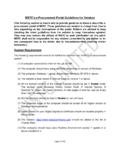
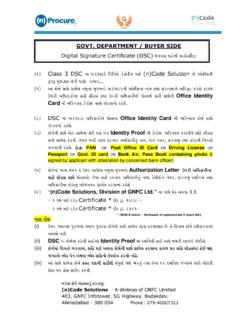
Change Digital Certificate ( vendor ) process manual Please follow the below steps to send the Change Digital Certificate request to the Concerned factory. Step 1: Open the Homepage of the e-Proc application- Step 2: Click on Change Digital Certificate ( vendor ) tab Step 3: Fill up the details- Login Id, Email Address, select Procurement Type, select Registered Factory and Verification code. Click on Submit after filling up the correct details. Step 4: In next page, fill up the Email Address (existing or new), Name of Authorized Representative, Select New Digital Certificate , Fill up the Reason for Changing the Digital Certificate and Verification code. Click on Submit Certificate after filling up the correct details Step 5: Click on OK . Step 6: Please contact with the concerned factory for Digital Certificate Change request approval.

Change Digital Certificate (Vendor) process manual Please follow the below steps to send the Change Digital certificate request to the Concerned factory.

Tags:

  Manual, Change, Process, Certificate, Digital, Vendor, Digital certificates, Change digital certificate, Process manual

Information

Domain:

Source:

Link to this page:

Please notify us if you found a problem with this document:

Other abuse

Advertisement

Transcription of Change Digital Certificate (Vendor) process manual

1 Change Digital Certificate ( vendor ) process manual Please follow the below steps to send the Change Digital Certificate request to the Concerned factory. Step 1: Open the Homepage of the e-Proc application- Step 2: Click on Change Digital Certificate ( vendor ) tab Step 3: Fill up the details- Login Id, Email Address, select Procurement Type, select Registered Factory and Verification code. Click on Submit after filling up the correct details. Step 4: In next page, fill up the Email Address (existing or new), Name of Authorized Representative, Select New Digital Certificate , Fill up the Reason for Changing the Digital Certificate and Verification code. Click on Submit Certificate after filling up the correct details Step 5: Click on OK . Step 6: Please contact with the concerned factory for Digital Certificate Change request approval.

2


Related search queries