Transcription of CHANGE PASSWORD FOR - EGNC
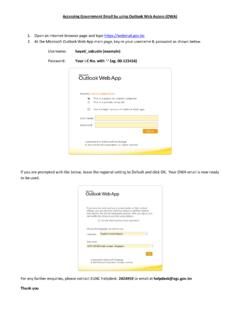
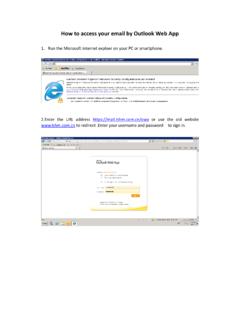
1 1) Log in to 2) Click on button at the right top corner of your webmail and choose CHANGE PASSWORD CHANGE PASSWORD FOR GOVERNMENT EMAIL BY USING OUTLOOK WEB ACCESS (OWA) 3) Type in your current PASSWORD and new PASSWORD and click Save 4) Type in your current PASSWORD and the new PASSWORD and click Save For any further enquiries, please contact EGNC Helpdesk: 2424959 or email at New PASSWORD should contain: a)At least 10 characters b)Upper case c)Lower case d)Special character e)Number PASSWORD cannot contain the user s account name or parts of the user s full name that exceed two consecutive characters. The new PASSWORD cannot be any of the previous seven (7) passwords. user will be required to CHANGE their PASSWORD every six (6) months.