Transcription of GETTING CLASS ROSTER 091911 - CUH Client Services
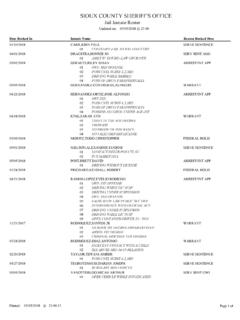
1 SIMPLIFIED INSTRUCTIONS FOR GETTING ROSTER 1. Log on to the Portal ( ). 2. In the right margin under the WebAdvisor tab click Faculty Information , then CLASS ROSTER 3. Use the drop down list to select a term or enter a date range, then click SUBMIT 4. Click the radio button in front of the CLASS you need the ROSTER for, and then click SUBMIT . Your CLASS ROSTER should be displayed.