Transcription of Student Access to Launchpad - cpsb.org
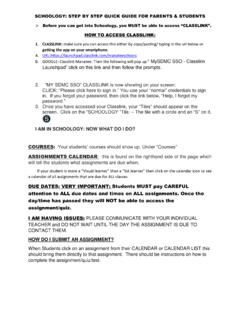
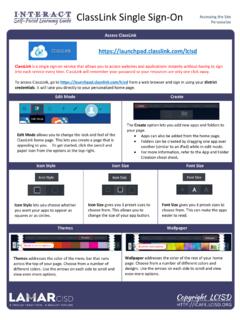
1 Student Students can gain Access to email, Blackboard, Office 365, tech help and other online resources by using CPSB Launchpad . Using CPSB Launchpad allows the Student to login one time and gain Access to most CPSB online tools. To begin, go to: Click Launch Student will be prompted to log in. Student should login using their CPSB username and password Example: John Smith Username: js1234567 Password: Js!?1234 Students will have quick Access to numerous CPSB resources, such as, Office 365 and Blackboard. What should Student use these apps for? Blackboard Students will use Blackboard for daily announcements, live lessons, classwork, homework and more from each of their assigned teachers.
2 Office 365 Students will use Office 365 to check email, and to create documents, presentations and more using these apps.