Transcription of SUPPO ™™™™ Speed Controller Programming …
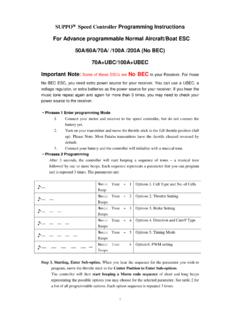
1 SUPPO Speed Controller Programming instructions For ESC with simple options (Aircraft functions) 20A/30A/40A Programming instructions : 1. Connect your motor and receiver to the Speed Controller , but do not connect the battery yet. 2. Turn on your transmitter and full up the throttle stick. Please Note: Most Futaba transmitters have the throttle channel reversed by default. 3. Connect your battery and you will hear a starting beep tone. After 3 seconds, the Controller will start beeping a sequence as following. All beeps only repeat once. 4. To select, move the throttle stick in off position, between Beeps repeat.
2 Then you will hear a confirmation sound. 5. Each time when you select an option, it will exit Programming menu and is ready to use. To choose another option, you need restart from step 1. Options Table 1 (for Aircraft version Normal mode): Beeping (with break) Options 1 Cell Type: LIPO ESC identify the number of LIPO and set LIPO protection automatically Cut-off voltage at 3V per Lipo (option Two will be disable automatically) 2 , Cell Type: NiMH Select NIMH protection mode Cut-off voltage at 60% of starting voltage (option Two will be disable automatically) 3 Break Enable/ Disable Break enabled by Default By