
CorreCted Claims referenCe Guide - Cigna
Submit a Batch of Corrected Claims of CMS 1500 or UB04 for processing Follow these steps to upload and submit a claim file: 1. Create a claim file using your Practice Management System. 2. Select Claims, then Import from the main menu. The Import Claims main window opens. Read the explanatory text if you are not familiar with claim file formats. 3.
Download CorreCted Claims referenCe Guide - Cigna

Information
Domain:
Source:
Link to this page:
Documents from same domain
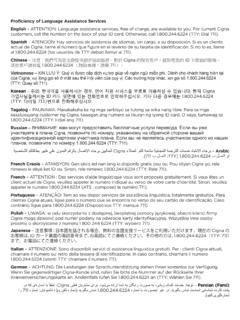
Multi-language Interpreter Services - cigna.com
www.cigna.com[Portuguese] ATENÇÃO: Tem ao seu dispor serviços de assistência linguística, totalmente gratuitos. Para clientes Cigna atuais, ligue para o número que se encontra no verso do seu cartão de identificação.

More From Life Summer 2017 - Cigna Health …
www.cigna.comMORE FROM LIFE ® A magazine from Cigna-HealthSpring Summer 2017 PO Box 20002 Nashville, TN 37202 Health and wellness or …
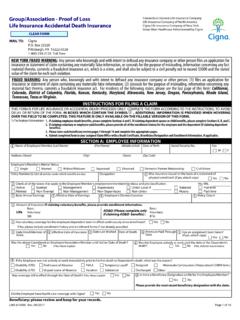
Group - Assocation Proof of Loss Life Insurance …
www.cigna.comi. INSTRUCTIONS FOR FILING A CLAIM SECTION A: EMPLOYEE INFORMATION. Name of Employee/Member (Last Name) (First Name) (Middle Initial)
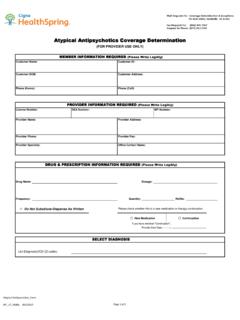
Atypical Antipsychotics Coverage Determination …
www.cigna.comAtypical Antipsychotics Coverage Determination (FOR PROVIDER USE ONLY) Dosage Frequency Quantity Other Questions: For Aripiprazole and Rexulti:
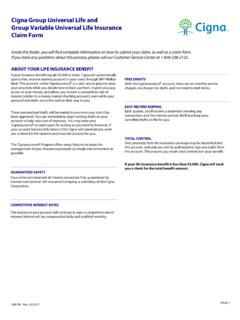
Cigna Group Universal Life and Group Variable …
www.cigna.com568796 Rev. 03/2017 ® ® ® ® If your life insurance benefit is less than $5,000, Cigna will send you a check for the total benefit amount. Cigna Group Universal Life and
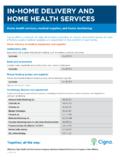
IN-HOME DELIVERY AND HOME HEALTH SERVICES
www.cigna.comHome delivery of medical equipment and supplies (continued) Compression garments Compression (tight-fitting) clothing for all areas body used to help post-surgery healing and improve circulation.
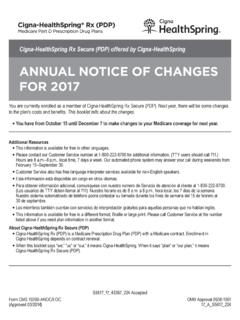
ANNUAL NOTICE OF CHANGES FOR 2017 - Cigna
www.cigna.comCigna-HealthSpring Rx Secure (PDP) Annual Notice of Changes for 2017. Drug Tier 1: Drug Tier 4: 3 . Summary of Important Costs for 2017 . The table below compares the 2016 costs and 2017 costs for Cigna-HealthSpring Rx …

ANNUAL NOTICE OF CHANGES FOR 2017 - Cigna
www.cigna.comCigna-HealthSpring Rx Secure (PDP) Annual Notice of Changes for 2017 2 . Think about Your Medicare Coverage for Next Year . Each fall, Medicare allows you to change your Medicare health and drug coverage during the Annual Enrollment Period.
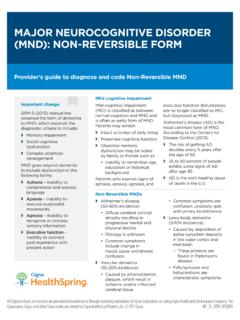
MAJOR NEUROCOGNITIVE DISORDER (MND): …
www.cigna.comApraxia Agnosia confusion Provider’s guide to diagnose and code Non-Reversible MND MAJOR NEUROCOGNITIVE DISORDER (MND): NON-REVERSIblE FORM
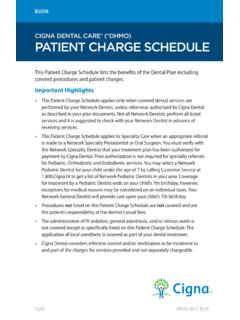
CIGNA DENTAL CARE® (*DHMO) PATIENT CHARGE …
www.cigna.com• This Patient Charge Schedule applies only when covered dental services are performed by your Network Dentist, unless otherwise authorized by Cigna Dental
Related documents

Kentucky Department of Insurance Agent Licensing ...
insurance.ky.govnegotiates, or settles claims on behalf of the insurer employer. o Public Adjuster – a person who acts on behalf of an insured, through a contract, directly or indirectly solicits business, investigates, or adjusts losses, advises an insured about first-property insurance claims for losses or damages of the insured. 4.

Court Services Online - e-Filing Frequently Asked ...
justice.gov.bc.cathe "courtesy correction" functionality. To avoid the risk of the client missing a filing deadline, the courtesy correction functionality provides a two-day grace period in which they may submit a corrected document but still retain the original filing date. Clients should take the following steps when responding to a courtesy correction: 1.

UB-04 Billing Instructions - Provider Knowledge Base
providers.partnersbhm.orgAttn: Claims Management Department . 901 S. New Hope Road . Gastonia, NC 28054-5829 . Electronic (Web Portal) Submissions of UB-04 Claims . This section gives instruction on how to navigate and utilize the UB-04 Claims Module within the Partners’ Alpha MCS Web Portal. To navigate to the UB-04 claims entry module within the Alpha MCS system:
NEW YORK STATE MEDICAID PROGRAM - …
www.emedny.orgsubmitting Medicaid claims for the first time after enrollment or any time they update their systems or start using a new system. This testing will assist providers in identifying errors in their system and allow for corrections before they submit actual claims. Information and instructions regarding testing are available at www.emedny.org.

Court Fee Table
www.highcourtchd.gov.inCircular /Correction Slip No. 45 Rule/IID.4 dated 8.9.2003 of Volume V of High Court Rules and Orders or as per Notification issued time to time 12. First Appeal from Order (Mact) FAO-MACT Rs. 5.25 13. Arbitration Case ARB Court Fee is leviable as per Circular /Correction Slip No. 45 Rule/IID.4 dated 8.9.2003

Direct Data Entry (DDE) User’s Guide - Palmetto GBA
www.palmettogba.com5 Claims Correction (Main Menu Option 03) This section provides instructions, screen illustrations, and field descriptions on how to correct claims that are in the Return to Provider (RTP) file, adjust or cancel finalized claims. 6 Online Reports (Main Menu Option 04) This section provides information on certain provider-specific reports that