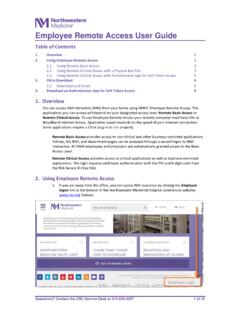
Employee Remote Access User Guide
7. Remote Clinical Access will launch, click the NMI icon to continue. 8. Delete the email. The next time you logon into Remote Clinical Access, just the Authenticator on your phone. Employee Remote Access User Guide Questions? Contact the CRU Service Desk at 312-926-4357 6 of 10
Download Employee Remote Access User Guide

Information
Domain:
Source:
Link to this page:
Documents from same domain

AUTHORIZATION FOR RELEASE OF MEDICAL INFORMATION
www.nm.orgMEDICAL RECORDS REQUESTED – For Dates of Service: ... release of information that occurred prior to this authorization being withdrawn. For information on how to withdraw this authorization, contact NMHC Health Information Management Department at 877.973.2673.
Related documents
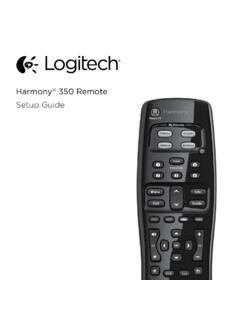
Setup Guide - Logitech
www.logitech.comHow the remote works Harmony 350 is an infrared (IR) remote that controls other IR devices such as TVs, audio/video receivers, and cable/satellite receivers. Visit setup.myharmony.com to create an account and set up your new Harmony remote. Watch TV button Set up a Watch TV Activity to automatically power on/off devices
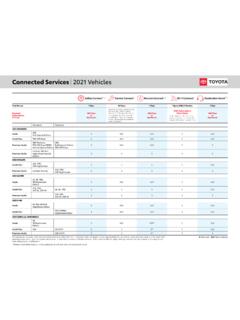
Connected Serices 2021 Vehicles - Toyota
www.toyota.comRemote, or Destination Assist connected service renewal is selected. Service Connect is not renewable as a stand-alone product. $80/Year or $8/Month AT&T Subscription Rates Apply *AT&T Wireless Wi-Fi trial will end at 3 months or 2 GB data usage (whichever comes first). $80/Year or $8/Month Standard Optional 2021 4RUNNER

TOYOTA APP SMARTWATCH GOOGLE AMAZON As a …
www.toyota.com7 4 8 Setting up Remote Connect (Apple Watch) One of the best features offered by Toyota is Remote Connect.2 This functionality-rich mobile app enables Toyota owners to monitor and control a wide range of vehicle features. And now, with the introduction of smartwatch compatibility for both Apple®8 iOS and Android™11