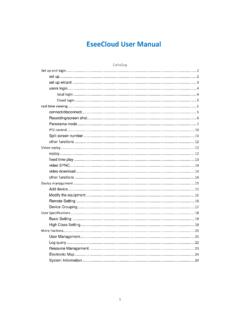
EseeCloud User Manual - WysLink Camera
③Check the device to add(The LAN device can be filtered by the input IP/ID in the filter box) Add Cloud ID: Manual input devices' cloud ID + channel number’, choose "type", according to the condition ,and the remaining default is to click ok (password can choose according to the actual circumstance of equipment set up input)
Download EseeCloud User Manual - WysLink Camera

Information
Domain:
Source:
Link to this page:
Documents from same domain
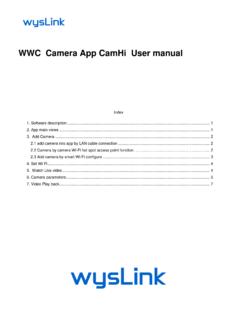
WWC Camera App CamHi User manual
camera.wyslink.comby push Reset hard ware button if the camera provide it. Reset camera to factory : Setting -> System Setting -> Reset Camera. By this procedure, the camera hotspot function will work, so you can use smart phone to connect it. Please refer to 3.2 Camera by camera Wi-Fi hot spot access point function.
Related documents
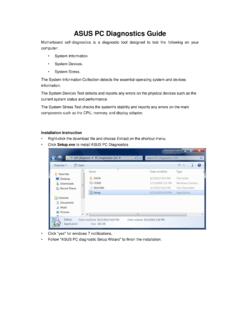
ASUS PC Diagnostics Guide
dlcdnet.asus.comresources, Driver version, TCP/IP settings, and Current network status. Motherboard information ... Interface type, Supported features (DMA, LBA), and ATA/ATAPI version. ... Camera Test Items: Tests if the camera is working properly.

Release Notes 3.9.0 | December 2021 | 3725-86049-034A
support.polycom.comZoom Smart Gallery is now supported on Poly Studio X70 and Poly G7500 system when paired with a Poly Studio E70 camera. In a meeting, Zoom Smart Gallery places conference room participants in individual frames from a single camera input.

CCTV Technology Handbook - United States Department of ...
www.dhs.govFigure 3-3. Image from Thermal Camera 12 Figure 3-4. Representative CCTV Lens 15 Figure 3-5. Calculating FOV 17 Figure 3-6. Focus Chart Example 19 Figure 3-7. Distortion Comparison . 20 Figure 3-8. Approximately 500 Lines of Horizontal Resolution 20 Figure 3-9. Sealed Camera Housing 23 Figure 3-10. Impact-Resistant Housing 23 Figure 3-11.

IP VIDEO DOOR STATION - DoorBird
www.doorbird.comSimply connect your DoorBird IP Video Door Station to your smartphone and talk to your visitor – anywhere you are. The ... Camera lens should be at a min. height of 145 cm (57 in). Before the installation please ... Supported protocols HTTP, HTTPS, SSL/TLS, Bonjour, DNS, RTSP, RTP,
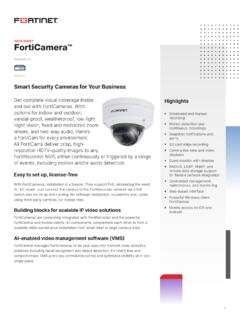
FortiCamera Data Sheet - Fortinet | Enterprise Security ...
www.fortinet.comThe PD50 IP camera is designed to withstand a wide range of temperature and weather conditions with 4kV surge protection that makes it ideal for your indoor and ... optical 30x zoom range is supported by electronic image stabilization to allow steady shots at long range even if wind or vibration is present. For ease of mind, true wide dynamic ...