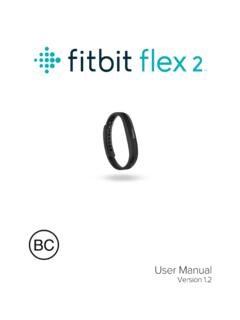
Fitbit Flex 2 User Manual
1. Push the clasp out from the inside of the wristband. You may find it helpful to first remove the square peg, followed by the round peg. 2. Pull out the clasp. 3. Insert the clasp into another wristband by lining up the square peg with the square hole and the round peg with the round hole and pressing firmly until
Download Fitbit Flex 2 User Manual

Information
Domain:
Source:
Link to this page:
Documents from same domain
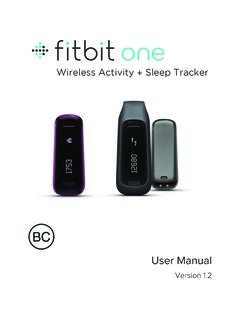
Fitbit One User Manual 1.2
staticcs.fitbit.comUser Manual Version 1.2. ... USA: Federal Communications Commission (FCC) ... fitbit.com dashboard and click the gear icon in the upper right.
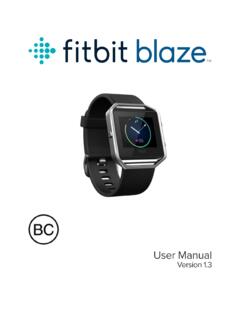
Table of Contents - Fitbit
staticcs.fitbit.com2 Setting up your Fitbit Blaze To make the most of your Blaze, use the free Fitbit app available for iOS, Android, and Windows 10 phones and tablets.

Fitbit Charge Product Manual 1.2 08
staticcs.fitbit.comThis manual gets you started quickly setting up your tracker. Setup ensures that your ... Windows 10 PC using the same Fitbit app available for Windows mobile devices. To get the app, click the Start button and open the Windows Store (called Store).

Version 1. 3 - Fitbit
staticcs.fitbit.comUser Manual Version 1. 3. ... Fitness Super Watch USB charging cable Wireless sync dongle What’s in this document We get you started quickly by creating a Fitbit® account and making sure the ... Windows 10 PC using the same Fitbit app available for Windows mobile devices.
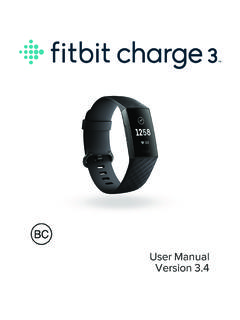
Fitbit Charge 3 User Manual
staticcs.fitbit.comWeather 45 Checktheweather 45 Addorremoveacity 46 Update,Restart,andErase 47 RestartCharge3 47 EraseCharge3 47 UpdateCharge3 48 Troubleshooting 49 Heart-ratesignalmissing 49

Fitbit Charge HR Product Manual 1.0 14
staticcs.fitbit.comWrist placement ... European Union (EU) ... exercise history, earn badges, analyze your sleep logs, and more on your Fitbit dashboard. A daily sync is recommended but not required . The Fitbit apps use Bluetooth Low Energy (BLE) technology to sync with your Fitbit tracker. Each time you open the app it will sync if the tracker is nearby, and ...

Manuel utilisateur Version 1 - Fitbit
staticcs.fitbit.comtaille, votre poids et votre sexe pour estimer la longueur de vos pas et calculer la distance parcourue, votre métabolisme de base et les calories brûlées. Une fois votre compte configuré, votre prénom, l’initiale de vot e nom de famille et vot e photo de profil sont visibles pour tous les autres utilisateurs Fitbit.

Fitbit Versa 2 User Manual
staticcs.fitbit.com2. Downloadadditionalapps 26 Removeapps 26 Updateapps 27 VoiceControls 28 SetupAlexa 28 InteractwithAlexa 28 CheckyourAlexaalarms,reminders,andtimers 29 Lifestyle 30 Starbucks 30 Strava 30 Agenda 30 Weather 31 Checktheweather 31 Addorremoveacity 31 Notifications 32 Setupnotifications 32

Fitbit Inspire HR User Manual
staticcs.fitbit.comOtherissues 41 GeneralInfoandSpecifications 42 Sensors 42 Materials 42 Wirelesstechnology 42 Hapticfeedback 42 Battery 42 Memory 43 Display 43 Wristbandsize 43

Fitbit Inspire User Manual
staticcs.fitbit.comFormoreinformation,seehelp.fitbit.com. SetupwithyourWindows10PC Ifyoudon'thaveacompatiblephone,youcansetupandsyncInspirewitha Bluetooth-enabledWindows10PCandtheFitbitapp.
Related documents
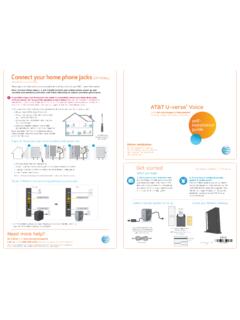
Connect your home phone jacks (OPTIONAL) - AT&T
www.att.comUnplug the phone cord in the outside box (as indicated in diagram 3). 4. Close the box and screw it. ... Note: You must follow steps 1, 2, and 3 inside (connect your primary phone, power up, and ... Wait for blinking indicator lights. You may need to wait up to two minutes for blinking indicator lights to turn solid green.
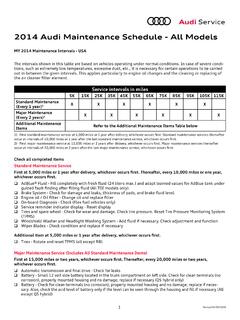
2014 Audi Maintenance Schedule - All Models
www.audiusa.comlights, license plate lights, blinkers and hazard lights Manual transmission and final drive - Check for leaks ... Check the chassis for possible paint damage and corrosion, from the inside and outside with the doors as well as hood and trunk lids open Additional Maintenance Items Work to be completed Interval Model Application AdBlue® Fluid ...
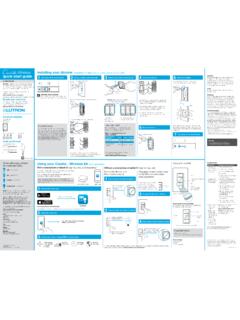
Wireless Installing your dimmer Installation for lights ...
www.casetawireless.comis outside the 30 ft (9 m) operating range. • The Pico ® remote control battery is low. • The Pico ® remote control battery is installed incorrectly. • Bulbs turn off while being dimmed. • Bulbs turn on at high light level but do not turn on at a low light level. • …

How to Prepare
www.dps.texas.govAt least one rearview mirror inside or outside of the vehicle Driver and front passenger door must open normally Functioning seatbelts Any restrictions on the driver Brake lights Windshield wipers, headlights, and taillights, depending on weather conditions and time of day informed if you passed or failed. You will also receive