
Microsoft Office 365 GxP Guidelines
validating Office 365 and establishing governance processes to support the management of GxP content within Office 365. • Description of GxP-relevant tools and features within Office 365. • In-depth analysis of shared responsibilities concerning 21 CFR Part 11 and Annex 11
Download Microsoft Office 365 GxP Guidelines

Information
Domain:
Source:
Link to this page:
Documents from same domain
Using SharePoint as a data source for Modern Reporting
resources.techcommunity.microsoft.comSharePoint Business Apps | 5 repositories such as SQL Server or SQL Data warehouse. Reports can then be run from the destination source. SharePoint Sources for Power Query
Yammer Success Guide
resources.techcommunity.microsoft.cominnovation, and engagement across every department of your organization. ... Work with leadership to develop a usage policy and guidelines for governance. This will be important to ensure that activity on ... Champions are your community of people who have bought into
Using SharePoint and Teams as a Modern Dashboarding …
resources.techcommunity.microsoft.comSharePoint Server 2019 supports modern pages, as a result, the process for embedding reports is identical to the process outlined above using the Embed web part. In classic SharePoint, the process is slightly different. When the embed code is obtained, the HTML string is …

Track information. Organize work. Get things done.
resources.techcommunity.microsoft.comTrack issues— a flexible view Create lists for anything—from issues, inventory, and contacts, to processes, and more. You can personalize the ready-made template through intuitive clicks or by using Power Apps to extend your forms. Lists allows you to continuously add and modify the template and structure to meet your needs.

Get started with Microsoft OneDrive
resources.techcommunity.microsoft.comGet started with Microsoft OneDrive. 1. Access files anywhere Store and access your files from any device via a web browser, mobile app, or PC and Mac with robust sync options. This includes your personal files and files shared with you in Office 365 from Microsoft Teams and SharePoint. 4. Find files faster

SharePoint Online - resources.techcommunity.microsoft.com
resources.techcommunity.microsoft.comand Suggested sites on your ... Select a site from the SharePoint homepage or enter its URL into your browser. Then select Documents in the left navigation pane. Open Open and edit a file online ... Based on admin settings, the three levels of sharing are: Anyone –people inside and outside your org
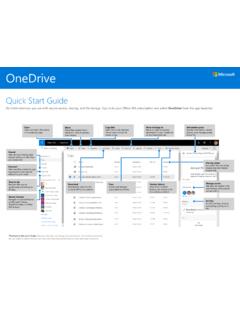
Quick Start Guide
resources.techcommunity.microsoft.comOneDrive Quick Start Guide Do more wherever you are with secure access, sharing, and file storage. Sign in to your Office 365 subscription and select OneDrive from the app launcher. *Powered by Microsoft Graph.Discover view does not …
Related documents
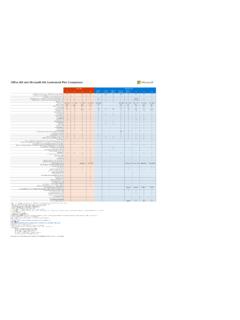
Office 365 and Microsoft 365 Commercial Plan Comparison
microsoft.firstdistribution.comOffice 365 for Mac ... For a detailed comparison of information protection and governance features by license, refer to the Detailed Compliance Licensing Comparison (Internal) 18. Does not include trainable classifiers (Machine Learning) 19. Does not include virtualization rights, downgrade rights and other version/edition rights
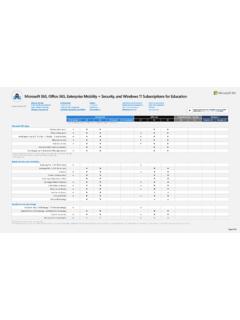
Supplemental licenses
edudownloads.azureedge.net7 Office 365 A5 includes DLP for Teams chat, Rules -based auto classification, advanced Information Governance, Advanced Message Encryption, and Customer Key value of Microsoft 365 A5 Information Protection and Governance but does not include Machine Learning based auto classification (trainable classifiers).

Microsoft 365 Tenant-Level Services - LDLNET
itblog.ldlnet.netOffice 365 Cloud App Security benefits a user by discovering Shadow IT, providing threat protection across Office 365, and the ability to control which apps have permissions to Office 365 data. How is the service provisioned/deployed? By default, Office 365 Cloud App Security features are enabled at the tenant-level for all users within the tenant.
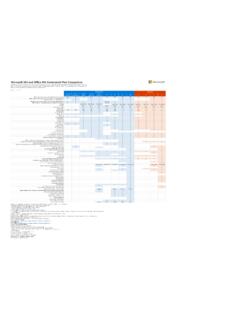
Microsoft 365 and Office 365 Commercial Plan Comparison
www.pcgit.comMicrosoft 365 Business is now Microsoft 365 Business Premium Office 365 Groups is now Microsoft 365 Groups 17. For a detailed comparison of information protection and governance features by license, refer to this spreadsheet. 13. Invoicing, Business Center & MileIQ available only in the United States, Canada, and United Kingdom 15. Also ...
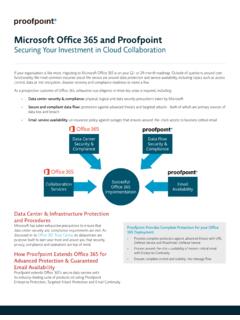
Microsoft Office 365 and Proofpoint
www.proofpoint.comIf your organization is like most, migrating to Microsoft Office 365 is on your 12- or 24-month roadmap. Outside of questions around core functionality, the most common inquiries about the service are around data protection and service availability, including topics such as access