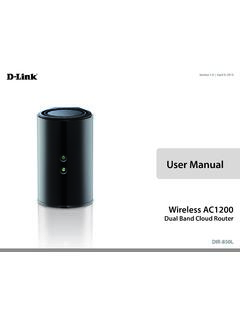
User Manual - D-Link
3 LAN Ports (1-4) Connect 10/100/1000 Ethernet devices such as computers, switches, storage (NAS) devices, and game consoles. 4 Internet Port Using an Ethernet cable, connect your broadband modem to this port. 5 Power Button Press the power button to power on and off. 6 Power Receptor Receptor for the supplied power adapter.
Download User Manual - D-Link

Information
Domain:
Source:
Link to this page:
Documents from same domain

DIR-825M User Manual - D-Link
www.dlink.com.myDIR-825M Wireless Broadband Router supports IEEE 802.11b/g/n/ac standard, dual band, and Gigabit LAN and WAN, thus providing the wireless speed of 867Mbps in the 5GHz frequency bandand 300Mbps in the 2.4GHz frequency bandat the same time, which is 16 times faster than that of the traditional 11g access point.
Related documents
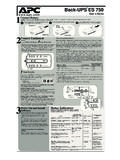
Back-UPS ES 750 - APCGuard.com
www.apcguard.comnot a surge protector or power strip. ... over-voltages), these outlets will be powered for a limited time by the Back-UPS ES. Plug your computer, monitor, CD-ROM drive and one other data-sensitive device such as ... Network Surge Protection 10/100Base-T Ethernet

Product Information Guide - Lexmark
publications.lexmark.comCAUTION—POTENTIAL INJURY: Only a Lexmark Inline Surge Protector that is properly connected between the printer and the power cord provided with the printer may be used with this product. The use of non-Lexmark surge protection devices may result in a risk of fire, property damage, or poor printer performance.

PowerLINE 2000 Adapters - Netgear
www.downloads.netgear.coma lot of power, such as washers, dryers, or refrigerators. Interference from these appliances might prevent PowerLINE products from working correctly or reduce PowerLINE network performance. • Do not plug PowerLINE products into a power strip, extension cord, or …