Transcription of To change Compatibility View settings - General …
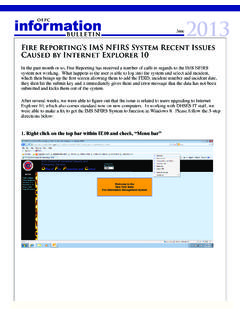
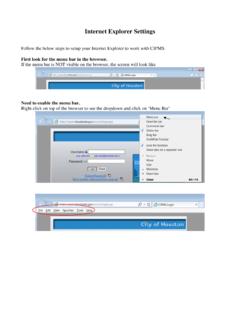
1 There are some issues with IE 10 and buttons. Working on site wide fix but for now, the following seems to work as a temporary fix. If not Please try using Google Chrome or Firefox web browsers To change Compatibility view settings 1. Open Internet Explorer, Go to 2. Press the Alt key to display the Menu bar (or press and hold the Address bar and then select Menu bar). 3. Tap or click Tools, and then tap or click Compatibility view settings . 4. Add GT website as below.