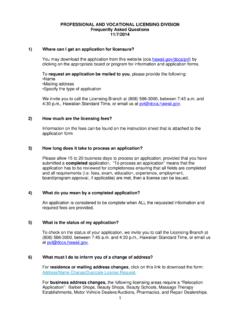
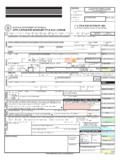
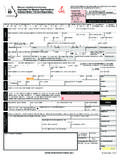
Transcription of Now select State and RTO as shown below and …
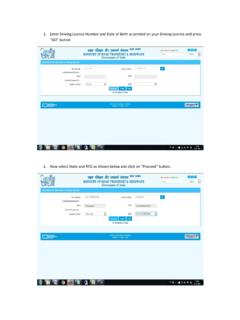
1 1. Enter Driving License Number and Date of Birth as printed on your Driving License and press GO button 2. Now select State and RTO as shown below and click on Proceed button. 3. Check your details and provide your Mobile Number. 4. Enter your qualification and fill your address same as printed on your Driving License and then Press Confirm Button. 5. select Renewal of DL Service 6. Check the declaration and check with organ donation if you are willing to donate your organs in case of accidental death. Then Press SUBMIT 7. Application number is generated. click on Print button to print Acknowledgement. 8. Bring this acknowledgement with you to RTO office with Original Documents and ID Proof. 9. After printing Acknowlwdgement click on Upload document and click on NEXT button. 10. click OK to proceed. 11. select Documents and proof you want to upload from the Drop Down List. And press Next button. Now you can visit RLA office to submit the fees.
2

![FORM 34 [See Rule 60] Application for making entry …](/cache/preview/6/f/1/5/9/c/2/6/thumb-6f159c26d5f38536dc820b53e96098f9.jpg)

![FORM 9 [See Rule 18(1)] FORM OF APPLICATION …](/cache/preview/6/6/9/d/8/3/e/e/thumb-669d83eeb08e268553e33eab1baf9c9e.jpg)