Example: stock market
Search results with tag "980608"
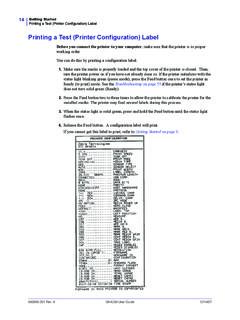
Printing a Test (Printer Configuration) Label
support.zebra.com980608-001 Rev. A GK420d User Guide 12/14/07 Printing a Test (Printer Configuration) Label Before you connect the printer to your computer, make sure that the printer is in proper working order. You can do this by printing a configuration label. 1. Make sure the media is properly loaded and the top cover of the printer is closed.