Transcription of Doculivery Quick-Start Guide
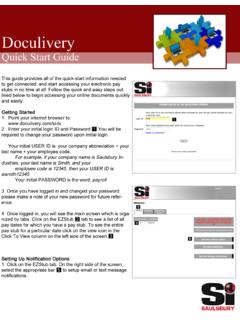
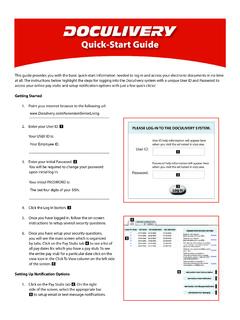
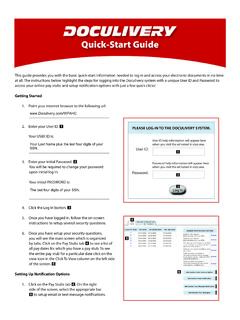
1 This Guide provides all of the Quick-Start information needed to get connected, and start accessing your electronic pay stubs in no time at all. Follow the quick and easy steps outlined below to begin accessing your online documents quickly and Started1. Point your internet browser to: Enter your initial login ID and Password. 1 You will be required to change your password upon initial login. Your initial USER ID is: your last name in capital letters followed by the last four numbers of your Social Security Number.
2 For example, if your last name is Smith, and your Social Security Number is 123-45-6789, then your USER ID is: SMITH6789 Your initial PASSWORD is: the last four digits of your Social Security Number. For example, if your Social Security Number is 123-45-6789, then your PASSWORD is: 67893. Once you have logged in and changed your password, please make a note of your new password for future Once logged in, you will see the main screen which is organized by tabs. Click on the Pay Stubs tab 2 to see a list of all pay dates for which you have a pay stub.
3 To see the entire pay stub for a particular date click on the view icon in the Click To View column on the left side of the screen. 3 Setting Up Notification Options1. Click on the Pay Stubs tab 2. On the right side of the screen, select the appropriate bar 5 to setup email or text message notifications. Doculivery Quick-Start Guide125 3