Transcription of Instructions: Custom Panel for models ... - …
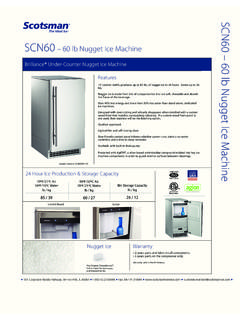
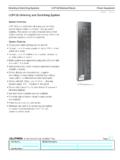
1 instructions : Custom Panel for models SCC30, SCC50 andSCN60A Custom Panel of wood or other material not exceeding 15 lb can be attached to thedoor. Attachment is from the ice side of the door. Holes are provided in the door for create and attach a Custom Panel : Panel width: 14 7/8 Panel height: Between 29 3/8 and 30 3/8 . Panel thickness: 5/8 to 1. Measure overall height of cabinet opening where ice machine will be (floor to bottomof countertop edge).2. Determine desired kickplate space (from bottom of door to floor). This could be equalto the adjacent cabinet s kickplate space or another space the user Subtract kickplate space from cabinet Subtract 1/8 or more for clearance space between top of door and bottom ofcountertop edge from cabinet opening. This is the maximum door Cut Panel to Cut Panel to length (cabinet space - kickplate space - top clearance = length).7. Determine top of Mark hole locations using drawing on the back of these instructions . Drawingassumes top of Panel will be flush with top of door.
2 Measure hole locations from the topof the Drill pilot holes for wood screws. Use drill stop to prevent drilling through the Mount Panel to door using wood screws or supplied Panel mounting : When installed Ice machine must be adjusted for height to position top ofdoor to desired 1/8"TYP. (10)13/16"13/32"4 1/8"6 25/32"14 11/16"13 31/64"13/32"8 1/4"13 9/16"14 7/8"30 3/8"29 3/8"{Centerline}