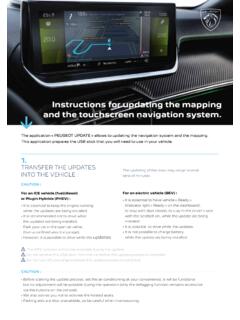
Transcription of Instructions for updating the touchscreen navigation system
1 The application peugeot UPDATE allows to updating the navigation system . This application prepares the USB stick that you will need to use in your vehicle. The updating of the map may range several tens of minutes. It is essential to keep the engine running while the updates are being installed. It is recommended not to drive while the updates are being installed. Park your car in the open air rather than a confined area ( garage). However, it is possible to drive while the updates Before starting the update process, set the air conditioning at your convenience, it will be functional but no adjustment will be possible during the operation (only the defogging function remains accessible via the buttons on the console).
2 We also advise you not to activate the heated seats. Parking aids are also unavailable, so be careful when GPS function will not be available during the not remove the USB stick from the car before the update process is not turn off your engine before the update process is : CAUTION : TRANSFER THE UPDATES INTO THE VEHICLE : for updating the touchscreen navigation systemPROCESS TO TRANSFER INTO THE VEHICLE message can appear on the screen any content on the USB Stick . Ignore this message and don t remove the USB stick.
3 This message will disappear in 10 seconds. Then, follow the Instructions on the the key into the USB port of the vehicle. Follow the dialogue on the touch screen. updating THE touchscreen navigation system :1 .1 :Update successful. You can remove the USB the following message appears Version not compatible with the hardware , the files on the stick or the formatting of the stick itself are incorrect. Start the entire procedure again with a new USB the following message appears Radio functionalities being initialized : Stop engine.
4 Wait several second. Restart the following message appears update failed Remove the USB stick Stop engine Disconnect the vehicle battery Wait 5 minutes Reconnect the vehicle battery Insert the USB stick Start the entire procedure again with USB stickPROCEDURE IN CASE OF ERROR MESSAGE.