Example: quiz answers
Keyboard shortcuts for macOS - Visual Studio Code
⇧⌘N New window/instance ⌘W ⌘Close window/instance ⌘, User Settings ⌘K Keyboard Shortcuts⌘S Basic editing ⌘X Cut line (empty selection) ⌘C Copy line (empty selection) ⌥↓ / ⌥↑ Move line down/up ⇧⌥↓ / ⇧⌥↑ Copy line down/up ⇧⌘K Delete line ⌘Enter / ⇧⌘Enter Insert line below/above
Tags:
Information
Domain:
Source:
Link to this page:
Documents from same domain
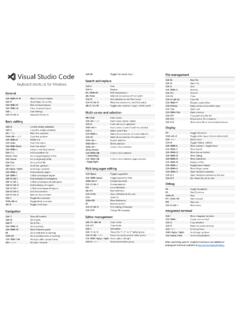
Keyboard shortcuts for Windows - Visual Studio Code
code.visualstudio.comCtrl+C Copy line (empty selection) ... Ctrl+M unassigned shortcuts available at Toggle Tab moves focus Search and replace Ctrl+F Find Ctrl+H Replace F3 / Shift+F3 Find next/previous Alt+Enter Select all occurences of Find match Ctrl+D Add selection to next Find match
Related documents
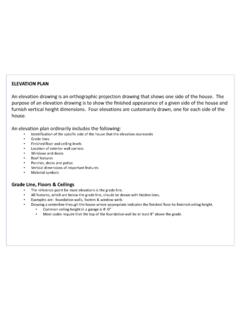
ELEVATION PLAN
www.revereschools.orgAdd details such as railings, window muntins, trim, window wells, etc… 6. Add dimensions, notes and symbols. 7. Check drawing and be sure to print one copy to check. 8. Turn-in drawing . Works Cited Kicklighter, Clois E., Ronald J. Baird, and Joan C. Kicklighter.
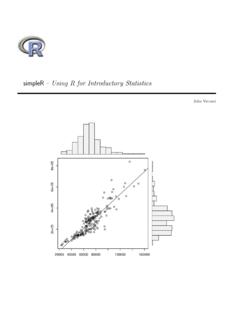
simpleR Using R for Introductory Statistics
cran.r-project.orgsimpleR { Using R for Introductory Statistics John Verzani 20000 40000 60000 80000 120000 160000 2e+05 4e+05 6e+05 8e+05 y