Transcription of Quick-Start Guide – Online Pay Advices - NatPay
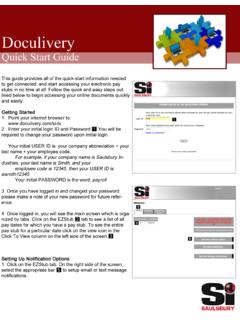
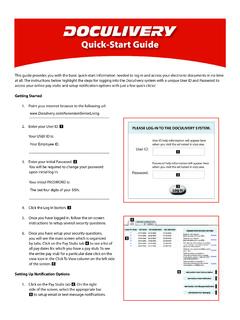
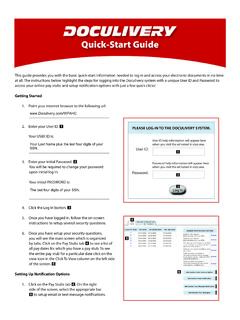
1 Quick-Start Guide Online Pay AdvicesThis Guide provides you with the basic Quick-Start information needed to log in and access your electronic documents in no time at all. The instructions below highlight the steps for logging into the doculivery system with a unique User ID and Password to access your Online pay Advices and setup notification options with just a few quick clicks!Getting Started1. Point your internet browser to the following url: _____2. Enter your initial User ID. 1 Your initial USER ID is: The first letter of your legal first name (as it appears on your ABM pay advice /check) plus your last name plus the last four digits of your SSN. Do not use the first initial of a nickname, such as Bob. For example: rsmith1234 for Robert Smith. _____3. Enter your initial Password. 2 You will be required to change your password upon initial log in.
2 Your initial PASSWORD is: The last six digits of your SSN. _____4. Click the Log In button. 35. Once you have logged in and changed your password, please make a note of your new password for future Once logged in, you will see the main screen which is organized by tabs. Click on the Pay Advices tab 4 to see a list of all pay dates for which you have a pay advice . To see the entire pay advice for a particular date click on the view icon in the Click To View column on the left side of the screen. 5 Setting Up Notification Options1. Click on the Pay Advices tab 4. On the right side of the screen, select the appropriate bar 6 to setup email notifications. Here you can setup an automatic email to notify you each time your pay advice is ub sMessage sMan age YourAccountCL ICK TO VIE WPAY DATEPAY BEGIN DATEPAY END DATE07/24/200607/10/200607/21/200607/10/ 200606/26/200607/03/200606/26/200606/12/ 200606/23/200606/12/200605/29/200606/09/ 200605/29/200605/15/200605/26/200605/01/ 200604/17/200604/28/2006 CURRENT NOTIFICATION OPTIONSE mail my new m] ( as HTML).
3 Re moveEmail my new m] ( as HTML).Re moveTe xt Message o f Catego rie s by sendinga te xt m essage to the p hone number:(813) 222-0333 (AT&T )Re moveEmail my new paystub m](as HTML).Re moveNo ti fy me when my paystub isdelive re d by sending a text messageto the phone number: ( 260) 437-5979(VERIZON WIRELESS )Re moveNo ti fy me when my paystub isdelive re d by sending an email to theemail address: t co mRe moveAdd Another Email Deliver y OptionAdd Another Email NotificationAdd Another Text Message NotificationAdd Detailed Text Messaging 5 PLEASE LOG-IN TO THE doculivery ID:Password:User ID help information will appear here when you visit the url noted in step help information will appear here when you visit the url noted in step Your Account4 6