Transcription of 中央大学 SSL-VPN サービス 接続マニュアル
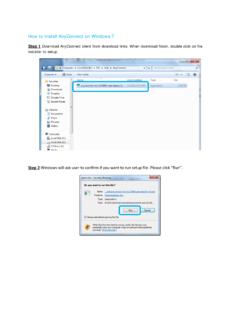
1 SSL-VPN Windows 1. VPN 1 2. 5 3. 7 4. 8 OS IT IT 1 . VPN web URL prof/staff student ID anyconnect Secure Mobility Client Download IT 2 Download Download for Windows Next IT 3 I accept the terms in.
2 Next Install IT 4 Finish IT 5 . cisco anyconnect Secure Mobility Client cisco anyconnect Secure Mobility Client Connect Group prof/staff student Username Password ID OK IT 6 cisco anyconnect Secure Mobility Client IT 7 . cisco anyconnect Secure Mobility Client Connect OK IT 8.
3 cisco anyconnect Secure Mobility Client Disconnect