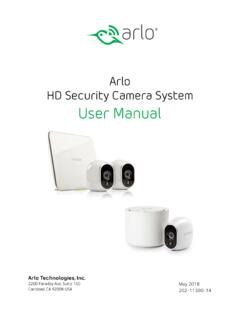
Arlo HD Security Camera System User Manual
Set Up Your System The Power LED and Internet LED light green in about two minutes. Your base station is set up. Arlo Base Station LEDs See the following list of explanations for green, amber, and blinking LEDs: Get an Account ¾ To set up an Arlo account: 1. Tap the Arlo icon on your mobile device.
Download Arlo HD Security Camera System User Manual

Information
Domain:
Source:
Link to this page:
Documents from same domain

Protect What Matters Most - ARLO
www.arlo.comFeatures 100% Wire-Free Free of power cords and wiring hassles Weather-resistant Put Arlo anywhere—indoors or out Rechargeable Battery 2 …
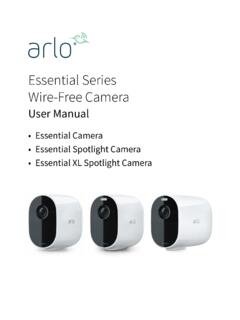
Essential Series Wire-Free Camera - Arlo
www.arlo.comArlo Essential Series Wire-Free Camera User anual 3. Tilt and swivel to adjust the camera angle. Connect an optional Essential Solar Panel (sold separately) You can use the Essential Solar Panel (VM3600) to harvest power from the sun to keep your camera battery charged. camera..

Arlo Pro 4 Wire-Free Spotlight Camera
www.arlo.com• Fast and easy wire-free set up. Magnetic mount makes it easy to install and adjust. • 160 degree view. Keep an eye on more of what matters with a wider field of view. • Magnetic charging. Fast charging cable easily snaps into place. • 2-Way Audio. Hear and speak to visitors clearly with superior audio quality. • Built in smart siren ...
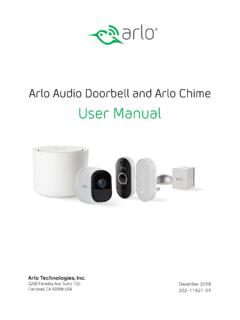
Arlo Audio Doorbell and Arlo Chime User Manual
www.arlo.comchime The Arlo Audio Doorbell is compatible with AC-powered mechanical and digital chimes operating between 8-24 volts. The Arlo Audio Doorbell isn’t compatible with wireless door chimes or any chime or intercom system using a DC transformer. Set the chime switch The chime switch is located inside the Arlo Audio Doorbell. This switch is only used

Essential Video Doorbell Wired - Arlo
www.arlo.combut it can still be configured to trigger recordings on other cameras or vice versa. • Can I pair the wired Arlo Essential Video Doorbell with other Arlo cameras? ... The estimated voltage is commonly printed on transformers. This is typically accurate, but it isn’t as precise as using a multimeter. Get Started 11 Essential Video Doorbell ired
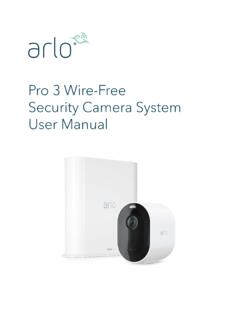
Arlo Pro 3 User Manual
www.arlo.com• 160 degree view. See a full panoramic view with auto image correction that reduces the fisheye effect. The camera has an 160-degree diagonal field of view with a matching wide range for motion detection. • Auto Zoom and Tracking. Auto-focus on moving objects with clarity and detail • Magnetic charging. Quickly charge your camera and ...
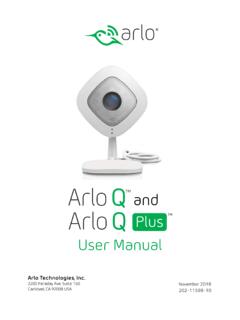
Arlo Q and Arlo Q Plus User Manual
www.arlo.com2. Connect your own Ethernet cable to the PoE adapter. 3. Connect the other end of the Ethernet cable to an Ethernet switch or a router. 4. Connect the included micro USB cable to the side of the PoE adapter. 5. Connect the other end of the micro USB cable to the USB power adapter. 6. Plug the USB adapter into a wall socket. 7.
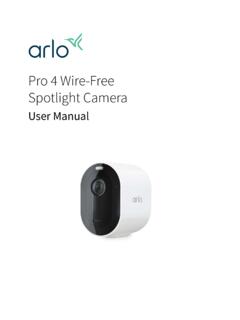
Arlo Pro 4 Wire-Free Spotlight Camera User Manual
www.arlo.comPro 4 Spotlight Camera User Manual Pro 4 Spotlight Camera features • 2K video with HDR. Zoom in on objects and see clearer details and colors in 2K HDR. • Color night vision. See what’s lurking with color night vision or black and white. • Integrated spotlight. Light up the night and ward off unwelcome guests. • Fast and easy wire ...

Arlo Quick Start Guide
www.arlo.com• Mount your Arlo camera at least 7 feet (2.1 meters) above the floor or ground and angle it slightly downward. • Place your camera within 10-15 feet (3.0–4.6 meters) of where motion is expected. • Make sure that side-to-side traffic crosses the camera’s field of view. • The best area for motion detection is 5 to
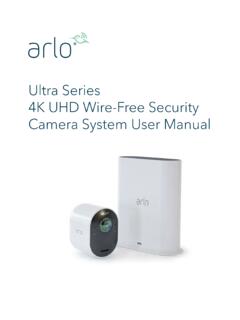
Arlo Ultra User Manual
www.arlo.comSee a full panoramic view with auto image correction that reduces the fisheye effect. The camera has an 180-degree diagonal field of view with a matching wide range for motion detection. • Noise canceling technology. Listen and speak to visitors with crystal clear, full 2-way audio that reduces wind and noise. • Auto Zoom and Tracking. Auto ...
Related documents
STATIC IP SET UP GUIDE - Verizon
www.verizon.com3. Follow the instructions in this Static IP Set Up Guide that will help you configure your Static IP address into your operating system and troubleshoot if necessary. After you set up your Static IP address(es), open your browser and go to business.verizon.net to learn about the Verizon Small Business Center,

Instructions to set up Microsoft Multi-Factor ...
www.vumc.orgInstructions to set up . Microsoft Multi-Factor Authentication (MS MFA) A big part of the recently announced ExpeditionTech program includes enhancing our security, simplifying our technology, and operating from one platform. The use of Microsoft security tools for personal mobile devices (BYOD) is one way we are accomplishing this.
BUILT-IN ELECTRIC SINGLE AND DOUBLE OVEN USER …
www.whirlpool.comTIMER SET/OFF Oven timer The Timer can be set in hours or minutes up to 9 hours and 59 minutes. 1. Press TIMER SET/OFF. 2. Press the number keypads to set the length of time in hr-min. Leading zeros do not have to be entered. For example, for 2 minutes, enter “2.” 3. Press TIMER SET/OFF to begin the countdown. If enabled, timer tone(s) will