
EPP User ID/Password Quick Reference Guide
EPP User ID/Password Quick Reference Guide The Employee Personal Page (EPP) allows employees serviced by the National Finance EPP Center (NFC) to view their payroll, leave, health and life insurance, Wage and Tax Statement, and other personal information. EPP also allows employees (whose Agencies
Download EPP User ID/Password Quick Reference Guide

Information
Domain:
Source:
Link to this page:
Documents from same domain
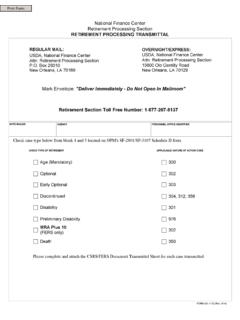
National Finance Center Retirement Processing …
www.nfc.usda.govNational Finance Center Retirement Processing Section RETIREMENT PROCESSING TRANSMITTAL. Mark Envelope: "Deliver Immediately - Do Not Open In …
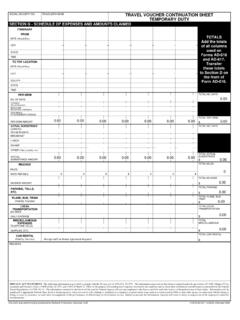
SOCIAL SECURITY NO. TRAVELER'S NAME TRAVEL …
www.nfc.usda.govsocial security no. traveler's name section g - schedule of expenses and amounts claimed itinerary from date (month/day) city state time to tdy location
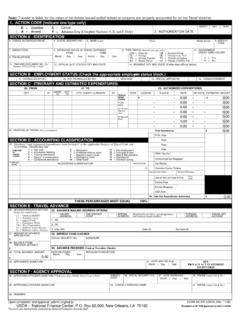
E C = Cancel A = Amend V (Complete Sections A, E, …
www.nfc.usda.govTitle: AD-202, Travel Authorization/Advance Author: Phuong Subject: This is the fillable PDF version of form AD-202, Travel Authorization/Advance.
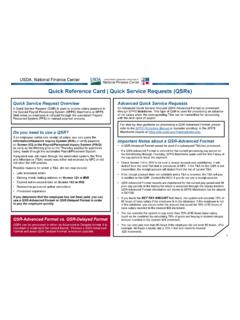
Quick Reference Card | Quick Service Requests (QSRs)
www.nfc.usda.govSDA, National Finance Center nited States Department of Agriculture National Finance Center Quick Reference Card | Quick Service Requests (QSRs) For a QSR-Delayed Format, information should be submitted to
AD-349, Employee Address
www.nfc.usda.govTitle: AD-349, Employee Address Author: ELITE FEDERAL FORMS Subject: This is the fillable PDF version of form AD-349, Employee Address. Created Date
Frequently Asked Questions – webTA
www.nfc.usda.govFrequently Asked Questions – webTA . Q1. What is webTA? Q2. How does webTA work? Q3. How do I access webTA? Q4. What can I do when I have tried numerous times to log into webTA and have been
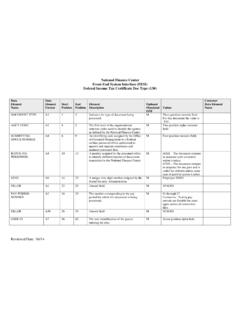
Front-End System Interface (FESI) Code 130
www.nfc.usda.govNational Finance Center Front-End System Interface (FESI) Federal Income Tax Certificate Doc Type (130) Reviewed Date: 06/14 Data Element Name
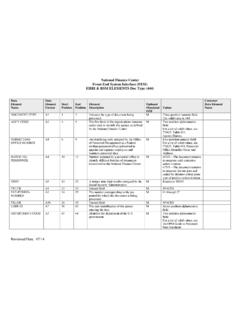
Front-End System Interface (FESI) Code 444
www.nfc.usda.govNational Finance Center Front-End System Interface (FESI) EHRI & RSM ELEMENTS Doc Type (444) Reviewed Date: 07/14 …
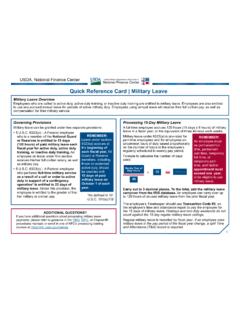
Quick Reference Card | Military Leave
www.nfc.usda.govUSDA National Finance Center United States Department of Agriculture National Finance Center Quick Reference Card | Military Leave Processing 22-Day Military Leave There are limited conditions under which employees are entitled to
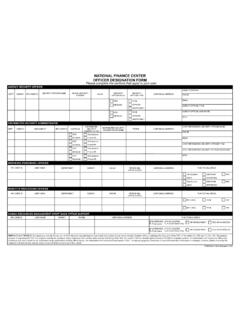
National Finance Center Agency Security …
www.nfc.usda.govNFC USER ID NFC USER ID NATIONAL FINANCE CENTER AGENCY SECURITY ADMINISTRATOR/OFFICER DESIGNATION FORM . Please complete the sections that apply to your user.
Related documents
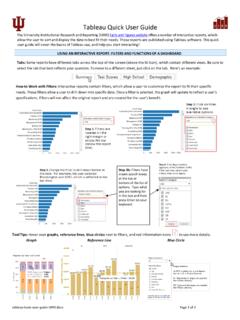
Tableau Quick User Guide
uirr.iu.eduTableau Quick User Guide . The University Institutional Research and Reporting (UIRR) Facts and Figures website offers a number of interactive reports, which allow the user to sort and display the data to best fit their needs. These reports are published using Tableau software. This quick user guide will cover the basics of Tableau use, and ...

Grandstream GRP260X Essential IP Phone Quick User Guide
www.grandstream.comQuick User Guide Basic Phone Operation hear a Call Waiting tone . For detailed information please consult the GRP260X User Manual available at: www.grandstream.com 4) The current call will be put on hold. 5) Toggle between the calls using the …

USER GUIDE
www.beatsbydre.comUSER GUIDE. EN Imrtant Safety Infortn 4 KeyanParts 7 ChargthBattery 8 SwitcOn 9 SwitcOff 10 Pairing 10 AdjusthVolume 11 Speciitns 11 Calls 12 DisconnecthHeadset 12 ReconnecthHeadset 12 ListetMusic 13 CleaSettingoReset 13 PassivMode 13 UsinthRemotMic 14 FCC Waing 16

User Administration Console (UAC) Quick Start Guide
medi-calrx.dhcs.ca.govOct 21, 2020 · DHCS – UAC Quick Start Guide 8 12/20/2021 6.0 Adding a Standard User to Multiple Del Admin Accounts If you need to add a Standard User that is already associated with a separate Del Admin account (either within or outside of your organization), please use the following steps: Log in to the UAC.
RSA SecurID New User Quick Start Guide - J.P. Morgan
www.jpmorgan.comJul 23, 2019 · This guide is confidential and proprietary to J.P. Morgan and is provided for your general information only. It is subject to change without notice and is not intended to be legally binding. All services described in this guide are subject to applicable laws and regulations and service terms. ... New User Quick Start Guide

Bravo Platform Quick Guide - Agilent
www.agilent.comAbout this guide 2 Bravo Platform Quick Guide About this guide This guide summarizes the operator instructions in the Bravo Platform User Guide. This guide assumes the following: • The Bravo Platform is installed correctly. For details, see …

USER GUIDE
www.beatsbydre.comUSER GUIDE. EN Imrtant Safety Infortn 2 Putting on Powerbeats TM 5 Eartipsnd Maintenance 6 UsinthRemotMic 9 CaranStorage 11 SelectConnectListen 11 FR Renseignements de sécurité imrtants 13 Installatn des écoutes Powerbes TM 16 Embouteentretien 17 Utilisatn du mrophone de la télémnde 20

Clinical Portal Quick User Guide v8 - NHSGGC
www.nhsggc.org.ukPlease note – Further support is available for the Clinical Portal system via E-Learning or a comprehensive user guide. To be setup with E-Learning access please log a call with the I.T Helpdesk on 0845 612 5000 or #650. The full user guide can be obtained on Staffnet->Applications->Clinical Portal. 2 View a Patient’s Electronic Records