Printing a Test (Printer Configuration) Label
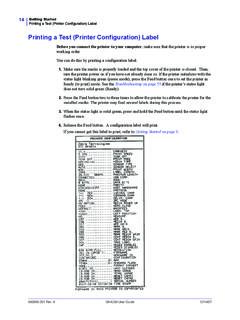
980608-001 Rev. A GK420d User Guide 12/14/07 Printing a Test (Printer Configuration) Label Before you connect the printer to your computer, make sure that the printer is in proper working order. You can do this by printing a configuration label. 1. Make sure the media is properly loaded and the top cover of the printer is closed.
Download Printing a Test (Printer Configuration) Label

Information
Domain:
Source:
Link to this page:
Documents from same domain
Calibrate the Ribbon and Media Sensors
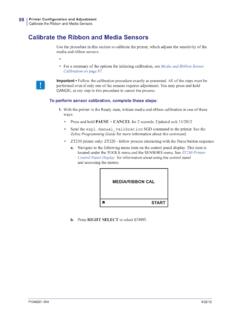
support.zebra.cominitiate calibration. Printer web page: The calibration procedure can not be initiated through the web pages. See the following web page for settings that are set during sensor calibration: View and Modify Printer Settings > Calibration Important • Do not change these settings unless you are told to do so by Zebra
Adjusting the Print Width
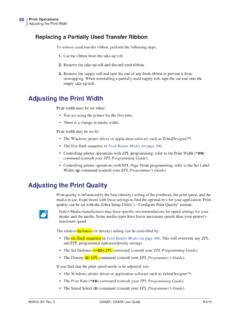
support.zebra.comPrint Width Adjustment - Prints a succession of boxes starting at the minimum print width and ending in the printer’s maximum print width in 4mm increments. Press the Feed button once when the printer has reached the desired maximum print width. Note that the printer driver and applications can override this setting. * ** *** **** ***** *****

OCP Error Messages - Zebra Technologies
support.zebra.comISO Specifications. e. Retry writing. 9004 NO MAG STRIPE Magnetic stripe not detected. a. Ensure that you are using the correct card type. b. Check that the cards are loaded ... 17024 LAMINATOR EEPROM DEFAULT The parameters stored in …

Zebra ZP 505™ - Zebra Technologies
support.zebra.comProprietary Statement ... This equipment has been tested and found to comply with the limits for Class B Digital Devices, pursuant to Part 15 of the FCC Rules. These limits are designed to provide ... Telephone: +1 847 634 6700 Toll-free: +1 866 230 9494 Facsimile: +1 847 913 8766

To enable or disable Sleep Mode, send the power.sleep.en ...
support.zebra.comSGD command media.draft_mode (default is “off”), which op-timizes the printer for text-only printing. While in Draft Mode, print speed increases from 4 inches per second (ips) to 5 ips with ap-proximately a 22% reduction in optical density. When a printer is in this user setting, a Draft Mode icon will be displayed. If the