
Setting up Microsoft Authenticator App on a mobile device
Setting up Microsoft Authenticator App on a mobile device STEP 1: • Download the Microsoft Authenticator app from Apple or Google STEP 2: • From a computer/laptop Login to aka.ms/mfasetup and sign in using your Axxxxxxx@mail.niu.edu and Password . STEP 3: You can choose to remain signed in or not.
Download Setting up Microsoft Authenticator App on a mobile device

Information
Domain:
Source:
Link to this page:
Related documents
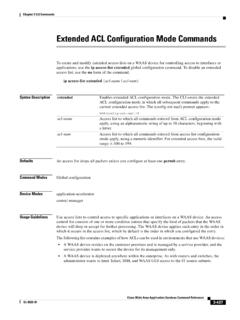
Extended ACL Configuration Mode Commands
www.cisco.comDevice Modes application-accelerator central-manager Usage Guidelines Use access lists to control access to specific applications or interfaces on a WAAS device. An access control list consists of one or more condition entries that specify the kind of packets that the WAAS device will drop or accept for further processing.
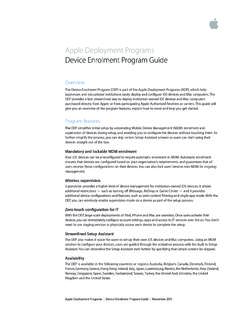
Apple Deployment Programs Device Enrolment Program …
www.apple.comterms of the DEP agreement. Remember, once a device is removed from the DEP it can’t be added again. Step 4: Review assignments. Once you’ve set up your virtual MDM servers and assigned devices to them, you can review several aspects of your device assignment, including: • Date of assignment • Order numbers

How to Reset Password on SADP - Hikvision
www.hikvision.comMethod 1, Device Information Copy Start Time and Device Serial No.,then send the information to Hikvision technical support team,support team would send back security codes. Note: Please reboot the device to check the Start Time. After receiving security codes, please choose one code according to device’s current time.