Transcription of Nüvi - download.audible.com
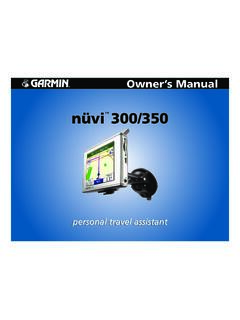
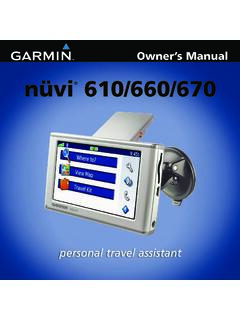
1 garmin n vi Audible User Guide. garmin n vi Only Win XP, with SP 1 or higher Audible formats: 2, 3 & 4 JPEG picture viewer Up to 8 hours of battery life I. Playing Audible Files on garmin n vi From the Main Menu after powering on the N vi, select Travel Kit > Audible Book Player. You can locate the title in the Audible Book Player by clicking on the Browse button. You can search all titles, or by Genre, Author, or Narrator. Select the category you would like to search by, and select the title. Press the Play button to begin enjoying your Audible selection. II. BookMarking & Section Navigation A. Creating Bookmarks To create bookmarks, your Audible file needs to be on playback mode. Then, press the Set Bookmark button to the right of the title.
2 Press the bookmark button, and press ok. To continue playing, press the play button on the screen. B. Retrieving Bookmarks To retrieve a bookmark, press the retrieve Bookmark button to the left, select the bookmark you wish to access, and press play. You can also edit or delete a bookmark by clicking on the Retrieve Bookmark button, choosing the bookmark you wish to edit, pressing the edit button, and then selecting your edit option. C. Section Navigation Your Audible file needs to be on a playback mode then, press FastForward (>>) to go onto the next section and/or press Rewind (<<) to go back one section. III. Accessing Audible's Title Information You can easily access the Title Information, such as Author, Narrator, Publisher, and a description of the title, by clicking on the picture of the title in the upper right corner of the Audible Book Player screen.
3 It is important that you read the manual to ensure that you get the most out of your new player. For further guidance on your new player, please visit