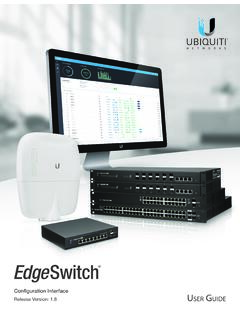
EdgeSwitch User Guide
Use one of the following methods: • Set up the DHCP server to provide a specific IP address to the EdgeSwitch based on its MAC address (on the label). • Let the EdgeSwitch obtain an IP address and then check the DHCP server to see which IP address was assigned. To log in, follow these steps: 1. Launch your web browser. Type the appropriate IP
Download EdgeSwitch User Guide

Information
Domain:
Source:
Link to this page:
Documents from same domain
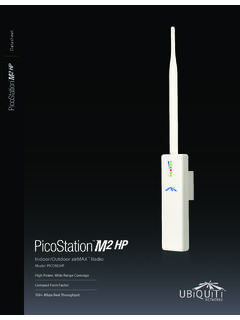
Datasheet - Ubiquiti Networks
dl.ubnt.comDatasheet www.ubnt.com/airmax 3 Software airOS is an intuitive, versatile, highly developed Ubiquiti firmware technology. It is exceptionally intuitive and …
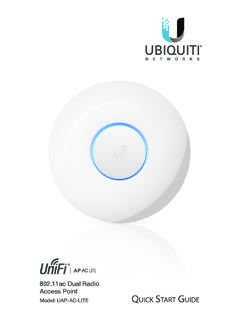
802.11ac Dual Radio Access Point
dl.ubnt.comThis Quick Start Guide is designed to guide you through ... 802.11ac Dual Radio Access Point Model: UAP-AC-LITE Gigabit PoE* (24V, 0.5A) with Mounting Bracket
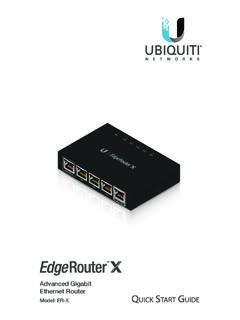
Advanced Gigabit Ethernet Router - Ubiquiti …
dl.ubnt.comThis Quick Start Guide is designed to guide ... Advanced Gigabit Ethernet Router Model: ER-X EdgeRouter X Power Adapter (12V, 0.5A) Quick Start Guide
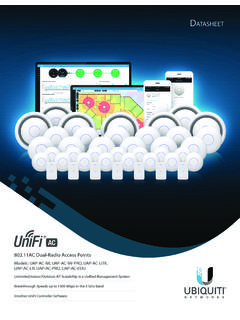
UniFi AC AP Datasheet - dl.ubnt.com
dl.ubnt.com3 D atasheet UniFi Controller Packed with Features Use the UniFi Controller to provision thousands of UniFi APs, map out networks, quickly manage
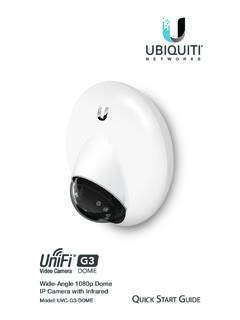
Wide-Angle 1080p Dome IP Camera with Infrared
dl.ubnt.comIntroduction Thank you for purchasing the Ubiquiti Networks® UniFi® Video Camera G3 Dome. This Quick Start Guide is designed to guide you through installation and includes warranty terms.
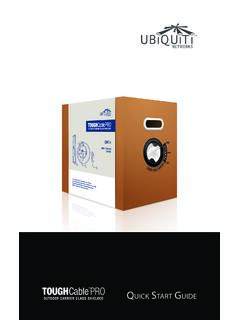
TOUGHCable PRO Quick Start Guide - Ubiquiti Networks
dl.ubnt.com2 TOUGHCable™ PRO Quick Start Guide TOUGHCable Box The Tension Knob is set to High by default. If necessary, the tension can be set to to Low or None. Tension Knob TOUGHCable PRO Cross-Section Conductor Insulation ESD Drain Wire
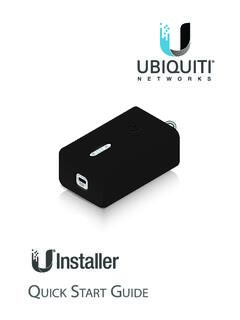
U-Installer Quick Start Guide - Ubiquiti Networks
dl.ubnt.comLEDs Wi-Fi Lights blue if the U-Installer has a Wi-Fi connection to your mobile device. Battery Four blue LEDs indicate the internal battery’s charge level: Full charge Low charge* * Recharge the battery by connecting a power source,
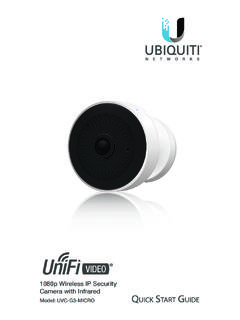
1080p Wireless IP Security Camera with Infrared
dl.ubnt.comIntroduction Thank you for purchasing the Ubiquiti Networks® UniFi® Video Camera G3 Micro. This Quick Start Guide is designed to guide you through installation and also includes warranty terms.
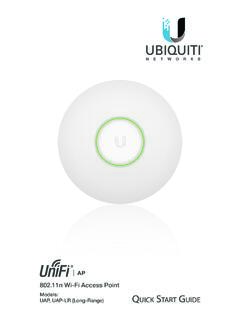
802.11n Wi-Fi Access Point - Ubiquiti Networks
dl.ubnt.comHardware Installation The UniFi AP can be mounted to the wall or ceiling. Perform the steps for the appropriate installation: Wall Mount 1. Position the Mounting Bracket at the desired location on the wall with the cable feed slot pointed towards the floor.
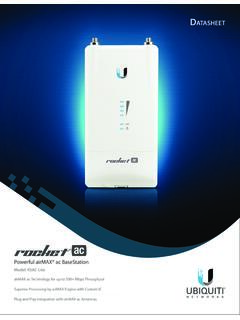
Rocket ac Datasheet - Ubiquiti Networks
dl.ubnt.comD atasheet 4 Technology Unlike standard Wi-Fi protocol, Ubiquiti’s Time Division Multiple Access (TDMA) airMAX ac protocol allows each client to send and receive
Related documents

Online User’s Guide - Merrill Edge
www.merrilledge.comCustomizing Merrill Edge MarketPro Further customize Merrill Edge MarketPro with several features such as Web Feeds, News Ticker, current pricing through Snap Quotes, a streaming Quote Ticker, and an Internet Browser. A range of User Preferences is also available to personalize and enhance your experience. Next >

Browser Print User Guide - Zebra Technologies
www.zebra.comAug 01, 2016 · 6. Check the box to launch Zebra Browser Print and click “Finish”. If you do not check the box, Zebra Browser Print will be launched the next time you restart your computer. 7. Note: The Windows installer adds a shortcut to the “startup” menu automatically. This feature will ensure that Browser Print runs when the computer is restarted.
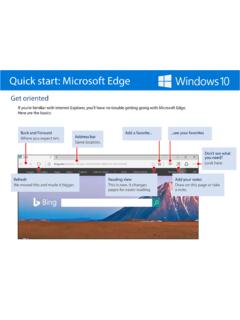
Quick start: Microsoft Edge
compass-ssl.microsoft.comQuick start: Microsoft Edge Use a pen or finger on a touch screen, or even use a mouse as we did here: Don’t have a touch screen? Have a lot to say? Type it. Add a comment Select Add a typed note and tap or click where you want the comment to appear.

Edge Agent Guide - Portainer
downloads.portainer.io• Step 3: Navigate to <edge-ip>:80 in a different tab in your browser replacing <edge-ip> with the IP of your edge environment. If you chose a different port in your deployment command, you should replace 80 with the custom-port you specified. You should see the Agent Pairing screen with the Portainer.io logo, a textbox and the submit button.

How to set Microsoft Edge as your default PDF reader
emergency.mssu.edufor .pdf, and select Microsoft Edge from the list. Once you've completed the steps, you can simply double-click a PDF document, and it'll open in the web browser. How to annotate a PDF document using Microsoft Edge Microsoft Edge includes support for PDF annotation with a highlighter, notes, and the ability to ask Cortana.

How do I clear my web browser's cache, cookies, and history?
www.umass.edufrom the About [browser name]Help menu or your browser's menu, select . In Internet Explorer and Firefox, if you do not see the menu bar, press Alt. On this page: ... Browse InPrivate in Microsoft Edge Safari for Mac: Use Private Browsing windows in Safari