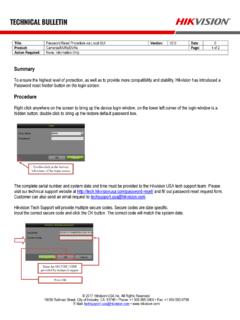
Hikvision Technical Bulletin
Title: Password Reset Procedure via Local GUI Version: V2.0 Date: 0 Product: Cameras/NVRs/DVRs Page: 2 of 2 Action Required: None, Information Only © 2017 Hikvision ...
Download Hikvision Technical Bulletin

Information
Domain:
Source:
Link to this page:
Documents from same domain

iVMS-4200 Part 1 Download, Install, Login - …
hikvisionusa.comiVMS-4200 Accounts •iVMS-4200 accounts are separate from the accounts on a camera or DVR/NVR. They can have the same names, but creation of accounts in iVMS-4200 …

iVMS-4200 Part 4 Playback - Hikvision USA
hikvisionusa.companel Camera4„ IP Camera C017716 IPCamera1m IP IP IP CameraS„, IP Camera V I? Cameraa.„ IP Camera E Ipcameral„. IR Cameral., IP Cameral _
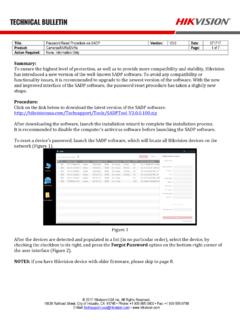
Password Reset Procedure via SADP Version: Date: …
hikvisionusa.comTitle: Password Reset Procedure via SADP Version: V3.0 Date: 071717 Product: Cameras/NVRs/DVRs Page: 2 of 7 Action Required: None, Information Only © …
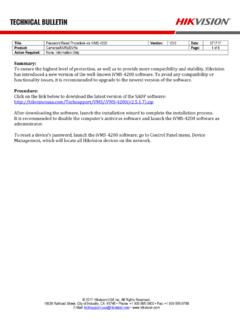
Password Reset Procedure via iVMS-4200 Version: …
hikvisionusa.comTitle: Password Reset Procedure via iVMS-4200 Version: V3.0 Date: 071717 Product: Cameras/NVRs/DVRs Page: 2 of 8 Action Required: None, Information Only © 2017 Hikvision …
How to Setup Hik-Connect P2P Sevivce - Hikvision …
hikvisionusa.comHow to Setup Hik-Connect P2P Sevivce ... P2P does NOT require users to forward the HTTP, server and RTSP ports •Hik-Connect P2P service, requires the NVR or DVR network settings to be configured with a correct IP address, subnet mask, ... please contact the Hikvision USA, Technical Support team. Title: DDNS

How to Download & Install the SADP Tool - …
hikvisionusa.comHow to Download & Install the SADP Tool . SADP Tool SADP = Search Active Device Protocol. Currently only supported on Windows OS Finds only devices on same physical network as computer Finds all Hikvision devices on physical network, even if on other subnets . How to Download • Go to Hikvision.com
Add Hik-Connect 3.0 Remote Access Platform Device
hikvisionusa.com© 2016 Hikvision USA Inc. and Hikvision Canada Inc. All Rights Reserved. Confidential and Proprietary Add Hik-Connect 3.0 Remote Access Platform Device
How to Add a Hik-Connect P2P Device to the …
hikvisionusa.comHow to Add a Hik-Connect P2P Device to the iVMS4500 Mobile Software •A Hik-Connect P2P device, is a device that is registered to dev.hik-connect.com using the P2P …
Enable Hik-Connect 3.0 Remote Access Platform …
hikvisionusa.com© 2017 Hikvision USA Inc. and Hikvision Canada Inc. All Rights Reserved. Confidential and Proprietary At the Recorder Using the Menus • Login to your recorder
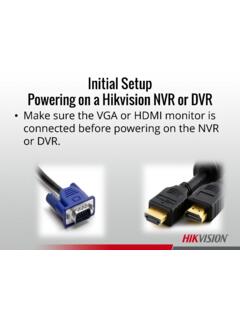
Powering on the DVR - Hikvision USA
hikvisionusa.comTroubleshooting Powering on a Hikvision NVR or DVR •When no monitor is detected at the time of powering on, the front panel buttons will beep and mouse will be glow
Related documents
iVMS-4200 Part 1 Download, Install, Login - Hikvision USA
hikvisionusa.comHow to Download •Go to Hikvision.com, hover over SUPPORT [1] then click DOWNLOADS [2] •Choose CLIENT SOFTWARE [3] [4] and click on Windows or MAC (Apple) version of
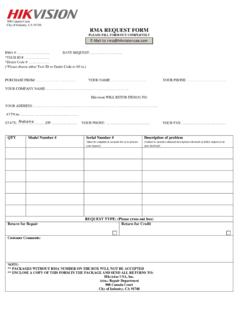
RMA REQUEST FORM
www.hikvision.comRev 10.16.12 (Effective November 1st, 2012) Page 1 HIKVISION USA RMA POLICY Document Purpose and Scope: This document addresses return policies applicable to the products purchased by customers of Hikvision USA ("Customers") that are returned to

DS-2CD2520F - Hikvision USA
www.hikvision.com©2006 – 2014 by HIKVISION. All rights reserved. 1 DS-2CD2520F Key Features Up to 2 megapixel (1920 × 1080 @ 30 fps) resolution