
Network / IP Camera - RIT
The IP camera can be connected to an Ethernet network using the RJ-45 port as shown. Connect the camera to an Ethernet hub or switch using a standard cable. You can also connect the camera directly to a computer using the supplied cable. Connecting Power Connect the power adapter to the DC-IN socket on the camera as shown.
Download Network / IP Camera - RIT

Information
Domain:
Source:
Link to this page:
Documents from same domain

9600 Compressor Installation, Operation, and …
ridl.cfd.rit.edu9600 Compressor Installation, Operation, and Maintenance Instructions ... the Compressor. A manual is shipped with each system component to ... 9600 Compressor Installation, Operation, and Maintenance Instructions Weight)) NOTE:. installation. ELIX. Maintenance”.

Active WebCam Manual - RIT
ridl.cfd.rit.eduActive WebCam performs best when the application and its parts remain in the folder recommended during installation. This is especially true with the \Gallery folder.

Agilent 33250A User's Guide
ridl.cfd.rit.eduJun 01, 2001 · The Agilent Technologies 33250A is a high-performance 80 MHz synthesized function generator with built-in arbitrary waveform and pulse capabilities. Its combination of bench-top and system features makes this function generator a versatile solution for your testing requirements now and in the future. Convenient bench-top features
Related documents

M300 RTK Release Notes - dl.djicdn.com
dl.djicdn.comNov 30, 2021 · Controller firmware Intelligent Battery Station: App (Connect the Battery Station to the remote controller and update it on the HMS page in the DJI Pilot app.) What’s new? Added support for DJI Zenmuse L1 gimbal and camera, offering users a complete integrated solution that includes a Livox LiDAR module and a 1-inch CMOS camera sensor.
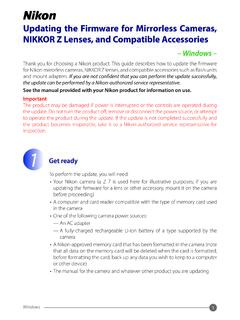
Updating the Firmware for Mirrorless Cameras, NIKKOR Z ...
download.nikonimglib.com8-2. Check the camera or accessory firmware version as described in Step 2, “Check the current firmware version”. 8-3. The camera will display the firmware versions for the camera (C, A, or B) and any attached lens (LF) or mount adapter (MA), flash unit (S), or wireless remote controller (W). If the updated version is displayed, the update was

PTZOptics Firmware Upgrade Instructions
f.hubspotusercontent20.netLocate the camera you wish to firmware update from the newly found list. Right-Click the camera and select “Backup”. 1 2 . 2 Rev 1.4 9/21 3. From the Backup Tab, click the “Backup” button to begin the Backup process. a. Occasionally, the Backup process will fail. When this happens, simply click “Backup” again to begin the

Manual Firmware Update Instruction - Yi Technology
oss.yitechnology.comThe camera firmware will be updated automatically. The whole process may take 2-3 minutes. Note: 1. Re-pairing the camera may be needed in some cases, just follow the voice prompts. 2. If the camera is still out of use after update, it’s recommended to reset the camera and
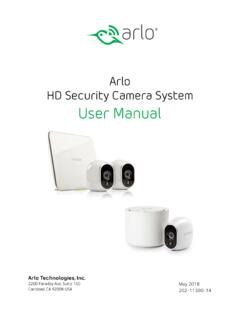
Arlo HD Security Camera System User Manual
www.arlo.comA firmware update might start after you sync a camera to the base station. If a firmware update is in progress, the LED on the camera blinks alternating blue and amber. After this, the LED is off for one to two minutes while the camera installs the …

Device Firmware Update (DFU) for Windows
www.intel.com10. Verify the firmware version installed on camera by pressing, “4” and [NTR] followed by “1” and [ENTER] Notice the firmware version has changed on the Intel® RealSense™ Cameraselected for firmware update DFU Tool Install/Usage on Windows* 10 Host 9 10
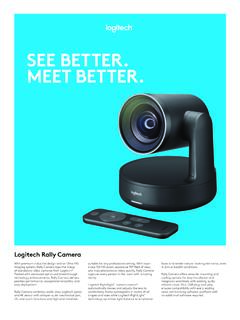
SEE BETTER. MEET BETTER. - Logitech
www.logitech.comRally Camera combines world-class Logitech optics and 4K sensor with whisper-quiet mechanical pan, tilt, and zoom functions and high-end materials faces and render natural-looking skin tones, even ... Firmware tool makes it easy to apply the latest features and enhancements.