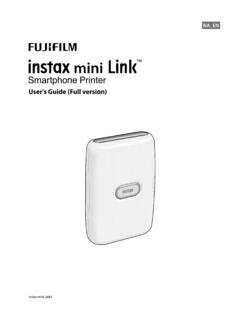
User's Guide (Full version) - Instax
8 8 When a printer is connected, tap [Close] 9 Tap again The printer starts printing. 10 When the film has been ejected (the printer stops making a sound), hold the edge of the film, then take it out You can confirm the number of films remaining on the
Download User's Guide (Full version) - Instax

Information
Domain:
Source:
Link to this page:
Related documents

Ducky One2 mini usermanual V3 20181026 ol
duckychannel.netOct 26, 2018 · Title: Ducky_One2_mini_usermanual_V3_20181026_ol Created Date: 10/26/2018 11:09:19 AM

INREACH Owner’s Manual MINI - Garmin
static.garmin.comUnder the copyright laws, this manual may not be copied, in whole or in part, without the written consent of Garmin. Garmin reserves the right to change or improve its ... Before you can use your inReach Mini device, you must activate it. Getting Started 1 \376\377explore .garmin .com \376\377Status IconsIcons, page\2401 \376\377Icons, page\2401
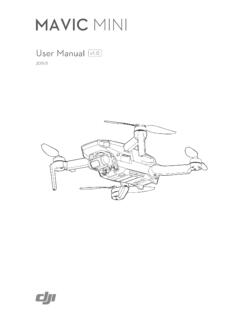
DJI Mavic Mini User Manual
store.dji.bgUsing this Manual Legend Warning Important Hints and Tips Reference Read Before the First Flight Read the following documents before using the DJITM MAVICTM Mini: 1. In the Box 2. User Manual 3. Quick Start Guide 4. Disclaimer and Safety Guidelines It is recommend to watch all tutorial videos on the official DJI website and read the disclaimer ...
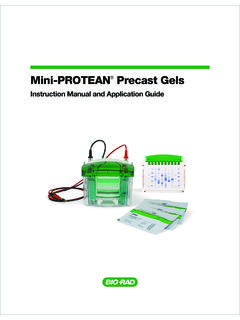
Instruction Manual and Application Guide - Bio-Rad …
www.bio-rad.comMini-PROTEAN precast gels are composed of polyacrylamide with a bisacrylamide crosslinker, and they are available in a range of formulations (Table 1.1) and in a selection of single percentages and gradients. ... Instruction Manual and Application Guide. 4 Technical Support: 1-800-4BIORAD • 1-800-424-6723 • www.bio-rad.com Setup and Basic 2 ...
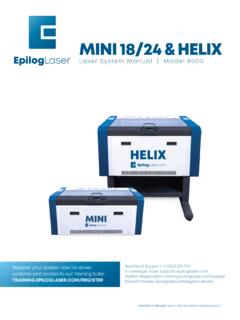
MINI 18/24 & HELIX - Epilog Laser
www.epiloglaser.comHow to Use This Owner’s Manual How to Use This Owner’s Manual Thank you for purchasing an Epilog Mini or Helix Laser system. Your Epilog system has been designed to be easy to operate, but you will utilize it to its fullest potential by taking some time …

MINI COUNTRYMAN. OWNER'S MANUAL.
www.miniusa.comThe Owner's Manual and general Informa-tion about MINI, for example on technology, are available on the Internet: www.mini-usa.com. Integrated Owner's Manual in the vehicle The Integrated Owner's Manual specifically describes features and functions found in the vehicle. The Integrated Owner's Manual can be displayed on the Control Display. Ad-
Garmin Dash Cam™ Mini 2 Owner’s Manual
www8.garmin.com3 Plug the Garmin Dash Cam Mini 2 power cable into the included power adapter. 4 Plug the power adapter into a power outlet in your vehicle. 5 If necessary, turn on the vehicle ignition switch to provide power to the power outlet in your vehicle. The device turns on. Turning Off the Device Manually The camera does not have a power button.