Example: marketing
IRIScan Wifi
5.1 Utilisation du câble Micro USB (Windows et Mac OS) 1. Mettez l’IRIScan Book 5 Wifi sous tension. 2. Branchez le câble Micro USB fourni à l’IRIScan Book 5 Wifi ainsi qu’à votre ordinateur. 3. La carte mémoire contenant vos documents s’affiche sur votre ordinateur. Exemple illustré pour Windows 4.
Tags:
Information
Domain:
Source:
Link to this page:
Documents from same domain
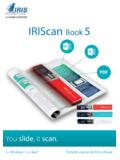
IRIScan Book - IRIS - The World leader in OCR, PDF …
www.irislink.comYou slide, it scan. for Windows® and Mac® Portable scanner & OCR software IRIScan ™ Book 5 PDF
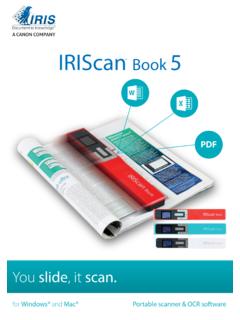
IRIScan Book - irislink.com
www.irislink.com1 Guide de démarrage rapide – IRIScan™ Book 5 Ce guide de démarrage rapide a pour but de vous aider dans l’installation et la mise en route du scanner
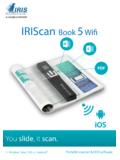
IRIScan Wifi - IRIS - The World leader in OCR, PDF …
www.irislink.comYou slide, it scan. for Windows®, Mac®, iOS and Android™ Portable scanner & OCR software IRIScan ™ Book 5 Wifi PDF
IRIScan Express 4 - Capture Tool - IRISLINK.COM
www.irislink.com1. Introduction With the Capture Tool, you can perform simple scans and view the captured images. On a Windows PC: 1. Start the Capture Tool from Start>All Programs>IRIScan Express 4 Scanner.
IRIScan Anywhere 5 Wifi - IRISLINK.COM
www.irislink.com2 Quick User Guide – IRIScan TM Anywhere 5 Wifi FCC Statement Warning: Changes or modifications to this unit not expressly approved by the party responsible for
Multi-channel capture made easy! - IRISLINK.COM
www.irislink.comMulti-channel capture made easy! Scan, structure, sort, index, OCR, convert and export all your documents as fully searchable electronic files
Readiris Pro 16 - The World leader in OCR, PDF and ...
www.irislink.comReadiris ™ Pro 16 Convert and edit your documents instantly. Readiris™ Pro 16 is a powerful OCR solution designed for private users and self-em-ployed workers.
Table of Contents 1. Check the Accessories 2. …
www.irislink.comEnglish English 3 1. Check the Accessories 2. Prepare the Scanner Insert the included batteries 1. Open the battery compartment as shown in the image.

Readiris 15 - IRISLINK.COM
www.irislink.comReadiris 15 RI_15_dgi_05022015_03 . Welcome to the Readiris documentation. The aim of this documentation is to help you get up to speed with using Readiris.
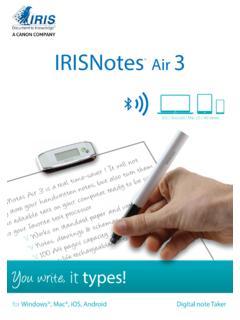
IRISNotes Air 3 - IRISLINK.COM
www.irislink.com1 Quick User Guide – IRISNotes TM Air 3 This Quick User Guide helps you get started with IRISNotes TM Air 3. The descriptions in this documentation are based on the Windows® 10, Mac® OS X Sierra, iOS 9.3.2 and