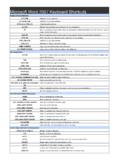
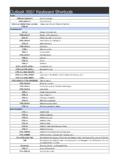
Transcription of Microsoft Outlook Express Keyboard Shortcuts
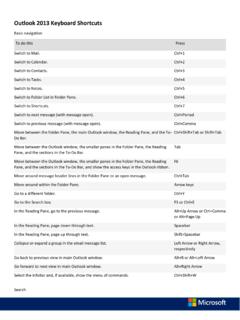
1 Microsoft Outlook Express Keyboard ShortcutsHelpF1 Open Help topics CTRL+ASelect all messages Main window and view message windowCTRL+PPrint the selected message CTRL+MSend and receive e-mail DEL or CTRL+DDelete an e-mail message CTRL+NOpen or post a new message CTRL+Shift+BOpen the Address Book CTRL+RReply to the message author CTRL+FForward a message CTRL+Shift+R or CTRL+G (news only)Reply to all CTRL+IGo to your Inbox CTRL+> or CTRL+Shift+>Go to the next message in the list CTRL+Go to the previous message in the list ALT+ENTERView properties of a selected message F5 Refresh news messages and headers CTRL+UGo to the next unread e-mail message CTRL+Shift+UGo to the next unread news conversation CTRL+YGo to a folder Main windowCTRL+O or ENTEROpen a selected message CTRL+ENTER or CTRL+QMark a message as read TABMove between the Folders list (if on), message list, preview pane, and Contacts list (if on).
2 CTRL+Shift+AMark all news messages as read CTRL+WGo to a newsgroup LEFT ARROW or PLUS SIGN (+)Expand a news conversation (show all responses) RIGHT ARROW or MINUS SIGN (-)Collapse a news conversation (hide messages) CTRL+JGo to the next unread newsgroup or folder CTRL+Shift+MDownload news for offline reading Message window - viewing and sendingPressTo ESCC lose a message F3 Find text CTRL+Shift+FFind a message CTRL+TABS witch among the Edit, Source, and Preview tabs Message window - sending onlyCTRL+K or ALT+KCheck names F7 Check spelling CTRL+Shift+SInsert a signature CTRL+ENTER or ALT+SSend (post) a message Visit for more printable Keyboard Shortcuts