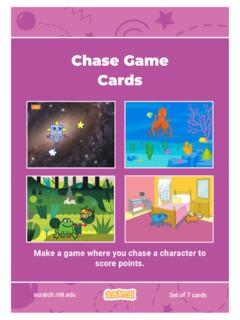
Chase Game Cards - Scratch Resources browser
Make a game where you chase a character to score points. Chase Game Cards scratch.mit.edu Set of 7 cards. Chase Game Cards Use these cards in this order: 1. Move Left and Right 2. Move Up and Down 3. Chase a Star 4. Play a Sound 5. Add a Score 6. Level Up! 7. Victory Message scratch.mit.edu Set of 7 cards. 1 Move Left and Right Press arrow keys ...
Download Chase Game Cards - Scratch Resources browser

Information
Domain:
Source:
Link to this page:
Documents from same domain

Hide and Seek - Massachusetts Institute of Technology
resources.scratch.mit.eduSCRATCH EDUCATOR GUIDE HIDE AND SEEK / EDUCATOR GUIDE scratch.mit.edu/go SCRATCH EDUCATOR GUIDE scratch.mit.edu/go HIDE AND SEEK / EDUCATOR GUIDE With this guide, you can plan and lead a one-hour workshop using Scratch.
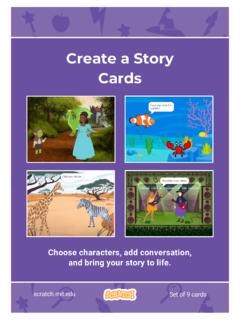
Create a Story Cards - Scratch Resources browser
resources.scratch.mit.eduCreate a Story ADD THIS CODE Click the thumbnail for each character, and then add its code. GET READY Choose two characters. Choose a Mountain backdrop. Goblin TIP You can click the menu to add a new message. Respond to a Character scratch.mit.edu Princess Broadcast a message. Princess Goblin Tell this character what to do when it receives the ...
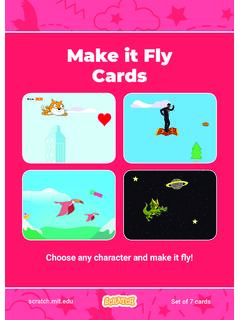
Make it Fly Make It Fly Cards - Scratch Resources browser
resources.scratch.mit.eduMake t ly Move the scenery so your character looks like it’s flying. Start Flying 2. scratchitedu ADD THIS CODE Type a negative number to move left. Start Flying GET READY Choose a sprite to fly by, such as Buildings. Start from the right end of the stage. TIP x is the position on the Stage from left to right. y = 180
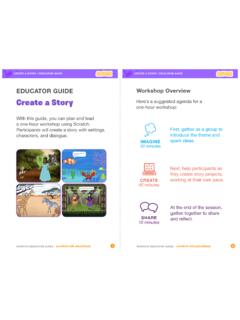
Create a Story
resources.scratch.mit.edu• Choose a character. • Make a character say something • Make a character hide and show. Click the green flag to start. Add code to the new character. Choose any character (in Scratch called a sprite). Type what you want your character to say. Add another character. Witch Wizard Use this block to have the second character wait before
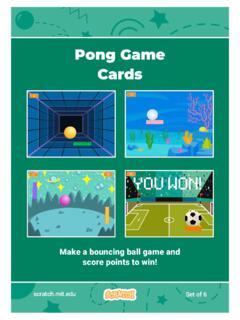
Pong Game Cards - Scratch Resources browser
resources.scratch.mit.eduGET READY Move your mouse pointer to move the paddle. Move the Paddle scratch.mit.edu Click the green flag to start. You can see the x position of the paddle change as you move the mouse pointer across the Stage. Choose a sprite for hitting the ball, like Paddle. Then, drag your paddle to the bottom of the Stage.

Teacher Accounts - Massachusetts Institute of Technology
resources.scratch.mit.eduT o s av e y o ur o w n co p y o f t hi s d o c, cl i ck F i l e a t t he t o p l ef t , t hen s el ect M a k e a c o p y . T o s av e a co p y t o y o ur co mp ut er , s el ect D o w n l o a d .
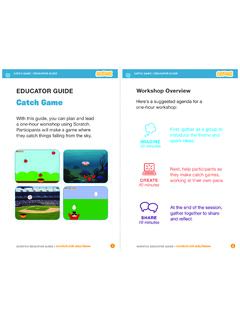
Catch Game - Massachusetts Institute of Technology
resources.scratch.mit.edua one-hour workshop using Scratch. Participants will make a game where they catch things falling from the sky. EDUCATOR GUIDE. Workshop Overview. First, gather as a group to introduce the theme and . spark ideas. SHARE . 10 minutes. Next, help participants as . they make catch games, working at their own pace. At the end of the session, gather ...
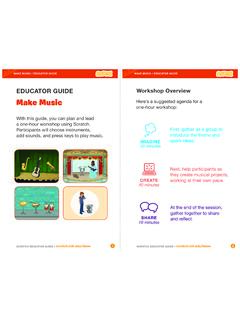
Make Music - Scratch Resources browser
resources.scratch.mit.eduCheck sound on computers or laptops 3 4 Check to make sure that the sound output is working on the computers or laptops. You may want to make headphones available (including headphone splitters to allow participants to listen together). Warm-up Activity: Repeat a Rhythm Gather the group in a circle and get ready to make music. Take
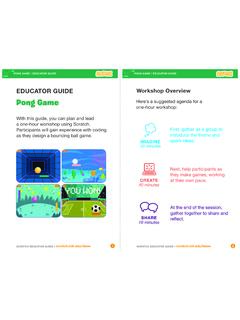
EDUCATOR GUIDE Workshop Overview
resources.scratch.mit.eduParticipants will gain experience with coding as they design a bouncing ball game. EDUCATOR GUIDE Workshop Overview First, gather as a group to ... Show the introductory video for the . Pong Game tutorial. The video shows pong games with a variety of themes, including ... For a more advanced project, try making a two-player game. To

Catch Game Scratch Cards
resources.scratch.mit.eduscratch.mit.edu/catch Type a negative number to fall down. Fall Down GET READY TRY IT ADD THIS CODE TIP Check if near the bottom of the Stage. Click the green flag to start. Click the stop sign to stop. Click to select the Apple. Use to move up or down. Use to set the sprite’s vertical position. Go back to the top of the Stage.
Related documents
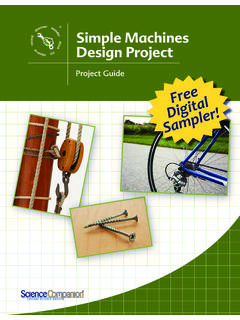
Simple Machines Design Project Sample
sciencecompanion.comA wedge is like an inclined plane, but instead of helping move objects to a higher point, a wedge helps to cut objects apart or hold them together. Knives and axes are common wedges used to cut objects apart, while a door stop is a wedge used to hold objects together. The sharper the edge of a wedge, the easier it is to drive in or under an object.

ARMY Make a choice… Make a plan… MOVE! Make a MOVE! …
ephc.amedd.army.milMake your weigh-in and tape Enjoy a healthy relationship with food Get 24/7 community support through online discussion forums Available at no cost to you Both online and Face to Face programs meet the requirement for weight control counseling per AR 600-9 (5th endorsement). What is Army MOVE!?
The BSA’s Commitment to Safety - lhcbsa.org
lhcbsa.org!tness, and leadership during age-appropriate events when challenged to move beyond their normal comfort level and discover their abilities. This is appropriate when risks are identi!ed and mitigated. The Scouting program, as contained in our …
Make it Fly Make It Fly Cards - Scratch Resources browser
resources.scratch.mit.eduMake t ly Move the scenery so your character looks like it’s flying. Start Flying 2. scratchitedu ADD THIS CODE Type a negative number to move left. Start Flying GET READY Choose a sprite to fly by, such as Buildings. Start from the right end of the stage. TIP x is the position on the Stage from left to right. y = 180
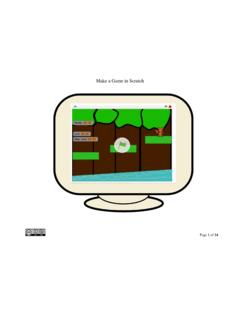
Make a Game in Scratch - Harvard University
scratched.gse.harvard.eduMake a Game in Scratch Page 8 of 24 Primary ICT Short Term Planning for ICT (Week Starting 21 April 2014) Lesson Learning Question Success Checklist (Example) Make a character move right Make a 2 player game Adjust code Test code Filename: Game1.sb Game2.sb Can I make a platform game in Scratch?
INITIAL INSPECTION BEFORE TENANT MOVES OUT
www.courts.ca.govdeposit to make these repairs.12 However, the landlord can deduct a reasonable amount to repair the door jamb chewed by your dog. This is because this damage occurred during your tenancy and is more than normal wear and tear.13 Suppose that the windows were dirty when you moved in, and that they were just as dirty when you moved out.
Fundamental Movement Skills Game Cards
www.goodforkids.nsw.gov.auI Move We Move, The Physical Acitivity Handbook – Game Cards, Edition 1 August 2009 How to play Look out for • On a soft-fall or grassed area, make a start line. Use chalk, masking tape or carpet squares to make four ‘lily pads’ in a straight row as shown in the diagram. Repeat this row of lily pads four or
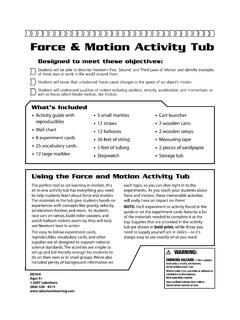
Force & Motion Activity Tub
www.lakeshorelearning.comgoing to move slower and go a shorter distance than the tennis ball.A heavier object requires more force to set it in motion. Newton’s Third Law of Motion • For every action, there is a reaction that is equal in magnitude and opposite in direction. Forces always occur in pairs, and Newton’s Third Law of Motion helps us understand the
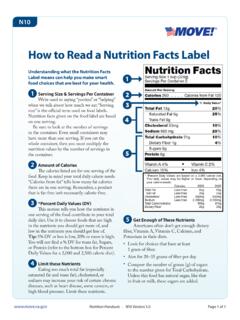
MOVE! Nutrition Handout N10: How to Read a Nutrition …
www.move.va.govN10 www.move.va.gov Nutrition Handouts •N10 Version 5.0 Page 1 of 1. How to Read a Nutrition Facts Label Understanding what the Nutrition Facts Label means can help you make smart food choices that are best for your health.