
Remote Engine Start System User’s Information Manual
Battery Power Use the transmitter only when necessary. Every time a button is pressed, the remote engine starter is consuming battery power. If the battery is low on power, the transmitting range of the remote engine starter will be affected. Check the battery periodically, and replace it when necessary. For battery replacement refer to page 32.
Download Remote Engine Start System User’s Information Manual

Information
Domain:
Source:
Link to this page:
Documents from same domain

HONDA CRF250X - Honda Owners Site
owners.honda.comA Few Words About Safety Your safety, and the safety of others, is very important. And operating this motorcycle safely is an important responsibility.

www.owners.honda.com 4 1 0 2 WARRANTIES
owners.honda.comCustomer Satisfaction 2 Introduction Your complete satisfaction with your Honda automobile is our main goal. All personnel at Honda automobile dealerships are thoroughly trained to

WARRANTIES - Honda
owners.honda.comWARRANTIES 2012 HONDA www.owners.honda.com 31SNAW50 2011 Honda Civic Warranties 00X31-SNA-W501 ©2010Honda Motor …

01/06/02 16:43:36 31S5A610 001 Owner’sIdentification - Honda
owners.honda.com01/06/02 16:43:36 31S5A610_001 ... convenience items. Afterwards, keep this owner’s manual in your car so you can refer to it at any time. ... keep in mind that your Honda dealer’s staff is specially trained in servicing the many systems unique to your Honda. Your Honda dealer is dedicated to your satisfaction and will be pleased to answer

08/12/19 10:09:57 31MFR600 0007 Contents - Honda
owners.honda.comcontents of your owner’s manual. The first page of each section lists the topics covered in that section. The importance of wearing a helmet and other protective gear, how to make sure you and your motorcycle are ready to ride, and important information about ... Honda VT1300CX Fury OWNER’S MANUAL

Color Audio System FM/AM Radio - Honda Owners Site
owners.honda.comAUDIO AND CONNECTIVITY BLUETOOTH ® HANDSFREELINK® HONDALINK® Models with color audio system Color Audio System Use the buttons to control the display and audio system. Models with color audio system FM/AM Radio Play FM or AM radio stations. RADIO button: Select a band. Preset buttons (1–6): Press and hold a preset button to store the ...
This manual should be considered a permanent part of the ...
owners.honda.com2005 Honda Motor Co., Ltd. ... Honda Motor Co., Ltd. reserves the right to make changes at any time without notice and without incurring any obligation. This manual should be considered a permanent part of the motorcycle and should remain with the motorcycle when it is resold. ... the manual contains a detailed list of topics at the beginning ...

This manual should be considered a permanent part of the ...
owners.honda.comThis manual should be considered a permanent part of the motorcycle and should remain ... All illustrations are based on the model. CBR600RR CBR600RR ABS ... the manual contains a detailed list of topics at the beginning of each section,

F e b ru a ry 2 0 1 3 N H T S A R e ca ll 1 3 V -0 1 6 IM ...
owners.honda.comIf yo u h a ve a n y q u e stio n s a b o u t th is n o tice , o r n e e d a ssista n ce w ith lo ca tin g a H o n d a d e a le r, p le a se ca ll H o n d a A u to m o b ile C u sto m e r S e rvice a t 8 0 0 -9 9 9 -1 0 0 9 , a n d se le ct o p tio n 4 .
05/06/08 10:43:57 31HN2650 001 - Honda
owners.honda.com05/06/08 10:43:57 31HN2650_001. 2006 Honda TRX500FA/FGA FOURTRAX FOREMAN RUBICON/with GPScape OWNER’S MANUAL FOR OFF-ROAD USE ONLY This vehicle is designed and manufactured for off-road use only. USA only: It conforms to US …
Related documents
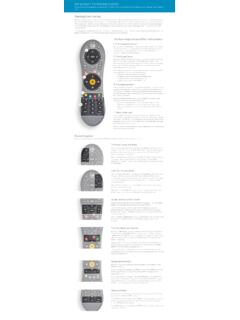
Using Your TiVo Remote Control
www.tivo.comremote to control the power, mute, and volume of your TV, you can use TV POWER to turn your TV on and off. Below TV POWER is the INPUT button. Press INPUT to select the input that your TV displays. Inputs can include a DVR, a DVD player, or a game system.
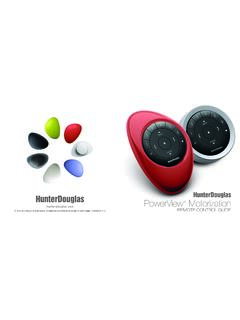
PowerView Remote Control Guide - Hunter Douglas
cdn.hunterdouglas.comFirst, activate the remote by pulling both plastic tabs from the back battery compartment. Inserting the remote module into the PowerView Pebble™ (hand-held): 1. 3Center the Hunter Douglas logo on the remote module above the indentation on the bottom rim of the Pebble. 2. Align the ribs on the remote module with the grooves on the Pebble. 3.
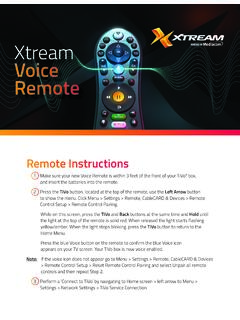
Xtream Voice Remote
mediacomcc.custhelp.com2 Go to Menu > Settings > Remote, CableCARD & Devices > Remote Control Setup. 3 Select ‘Set TV Power, Volume and Mute,’ ‘Set TV Input’ or ‘Set A/V Volume and Mute’ and follow the instructions. Note: Programming codes will start with a ‘1’. If your device lists codes that begin
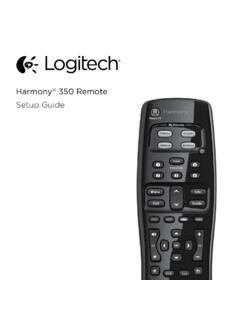
Setup Guide - Logitech
www.logitech.comHow the remote works Harmony 350 is an infrared (IR) remote that controls other IR devices such as TVs, audio/video receivers, and cable/satellite receivers. Visit setup.myharmony.com to create an account and set up your new Harmony remote. Watch TV button Set up a Watch TV Activity to automatically power on/off devices
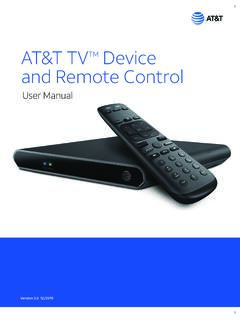
AT&T TVTM Device and Remote Control
www.att.com2. Power Supply The AT&T TV (C71KW) uses the DIRECTV® EPS10 power supply. 3. Remote Control The AT&T TV (C71KW) works with the RC82V Remote Control. (The box and remote control are not compatible with any older DIRECTV or AT&T U-verse® equipment.) Like other AT&T remote controls, the RC82V can be programmed to operate some features

IFT-RC400
downloads.hearthnhome.comyour remote are low, a notification will display on the screen asking you to ‘replace remote batteries’. Refer to Replace Remote Batteries Section. Backup Battery The battery life indicator is for a backup power source located inside your appliance. It is intended to operate the appliance in the event of a power failure. Consult

PowerView Remote Control Guide - Hunter Douglas
cdn2.hunterdouglas.comInserting the remote module into the PowerView ® Pebble (hand-held): 1. Center the Hunter Douglas logo on the remote module above the indentation on the bottom rim of the Pebble. 2. Align the ribs on the remote module with the grooves on the Pebble. 3. Gently push the remote module into the Pebble until it is snug. Ribs on remote to be aligned ...
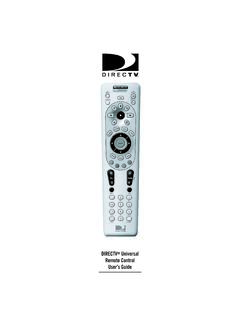
DIRECTV Universal Remote Control User’s Guide
www.att.com6. Aim the remote at your component and press the power key once. The component should turn off. If it does not turn off, repeat steps 3 and 4 trying each code for your brand until you find the correct code. 7. Repeat steps 1 through 6 to program a new component under AV2 (or AV1). 8. For future reference write down the working code for