Transcription of Video Sensing - Scratch Resources browser
1 Scratch EDUCATOR GUIDE Video Sensing / EDUCATOR GUIDEVIDEO Sensing / EDUCATOR EDUCATOR GUIDE this guide, you can plan and lead a one-hour workshop using Scratch . Participants will gain experience with coding as they create interactive projects using Video GUIDEW orkshop OverviewFirst, gather as a group to introduce the theme and spark 10 minutesNext, help participants as they make interactive projects, working at their own the end of the session, gather together to share and 10 minutesCREATE 40 minutesHere s a suggested agenda for a one-hour workshop: Video Sensing12 Scratch EDUCATOR GUIDE Video Sensing / EDUCATOR GUIDEVIDEO Sensing / EDUCATOR EDUCATOR GUIDE Begin by gathering the participants to introduce the theme and spark ideas for Ideas and InspirationWarm-up Activity: Invisible Energy BallGather the group in a circle.
2 Together you must pass an invisible energy ball around the circle, acting out the action of passing or throwing the ball. The challenge is, it is always changing shape, size, texture and even temperature. Model this activity by passing the ball to the first participant. Say your name, then describe the ball. I m Alex and I m passing you a huge energy ball that is slippery like a fish! The next person then acts out how they would catch that huge, slippery energy ball, introduces themself and describes the energy ball they re passing to the next person. Encourage participants to transform the ball as much as possible with each spark ideas, watch the Video Sensing tutorial Video . The Video shows a variety of projects to spark ideas and Ready for the WorkshopView the Use this checklist to prepare for the the TutorialThe Video Sensing tutorial shows participants how to create their own projects.
3 Preview the tutorial before your workshop and try the first few steps: up a computer with projector or large monitor You can use a projector to show examples and demonstrate how to get started. Make sure your computers have built-in camerasVideo Sensing uses your computer s built-in camera. Make sure that participants are using computers with built-in the Activity CardsPrint a few sets of Video Sensing cards to have available for participants during the workshop. sure participants have Scratch accountsParticipants can sign up for their own Scratch accounts at , or you can set up student accounts if you have a Teacher Account. To request a Teacher Account, go to: EDUCATOR GUIDE Video Sensing / EDUCATOR GUIDEVIDEO Sensing / EDUCATOR EDUCATOR GUIDE the First StepsPet the cat:Start a new project in Scratch , then add the Video Sensing blocks.
4 Create Support participants as they create interactive Scratch ResourcesOffer options for getting startedSuggest Ideas for Starting5 IMAGINEF ollow these steps to choose different sprites and sounds: Which character or object do you want to interact with?What do you want it to do when you interact with it?Some participants may want to follow the online tutorial: may want to explore using the activity cards: the first few steps of the tutorial so participants can see how to get with PromptsAsk participants questions to get started56 Add the Video Sensing blocks using the Add an Extension button. Choose a sprite to interact with. Decide how you want it to the Add an Extension button (on the bottom of the screen). Choose Video Sensing to add the Video a larger number to make it less sensitive to block senses motion on a sprite.
5 Move your hand to pet the a a your EDUCATOR GUIDE Video Sensing / EDUCATOR GUIDEVIDEO Sensing / EDUCATOR EDUCATOR GUIDE Share Have participants share their project with their Things to TryAsk questions they can discuss:Created by the Scratch TeamSupport collaborationEncourage experimenting Try adding a second character or object to interact with. If you re not sure what to do, pick a card and try something new. You can create a game, an interactive story, or a virtual pet. When someone gets stuck, connect them to another participant who can help. See a cool idea? Ask the creator to share with Video Sensing activity cards can be done in any order, with a range of different character and object sprites. Encourage students to try new things:What are different ways your project can react?
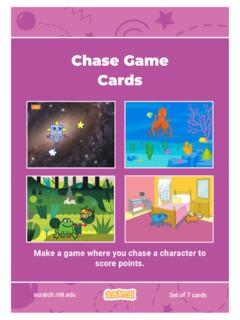
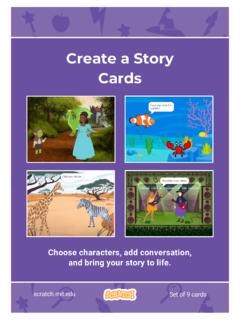
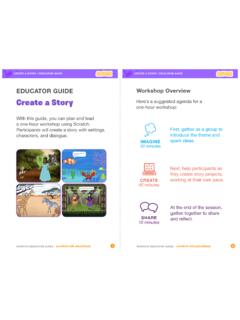
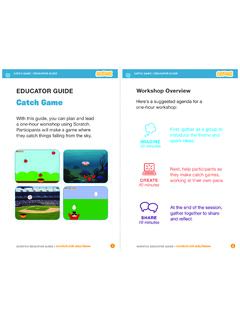
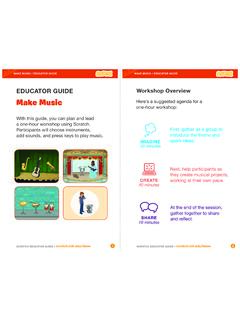
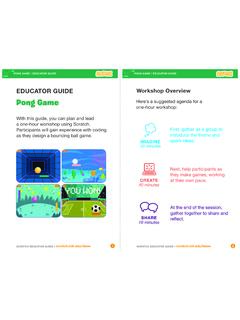
6 Can you create a project that two (or more) people can play? What do you like best about the project you made?If you had more time, what would you add or change?What was the hardest part?Create a StoryChoose characters, add conversation, and bring your story to s Next?Participants can use the ideas and concepts from this workshop to create a wide variety of projects. Encourage them to continue developing their projects into games, stories, or interactive art using the Resources listed a CharacterBring characters to life with GameMake a game where you chase a character to score these projects in the Tutorials library.