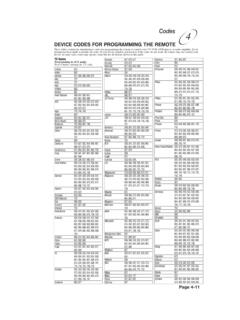
Remote Codes - Device codes for programming the Bell …
DEVICE CODES FOR PROGRAMMING THE REMOTE These tables contain the manufacturer codes for programming the remote to control your TV, VCR, DVD player, or audio amplifier. Every attempt has been made to include all codes. If your device brand is not listed or if the codes do not work, the remote may not control your device.
Download Remote Codes - Device codes for programming the Bell …

Information
Domain:
Source:
Link to this page:
Documents from same domain

Installation and Setup -- A 5 Step Process
support.bell.ca7. Ground the satellite antenna, and wire it to the ExpressVu™ receiver (see pages 4-38). 8. Aim the satellite antenna for the strongest possible signal (see pages 4-29 through 4-33). 9. Connect the receiver to an active telephone connection (see page 4-39). With the receiver wired to the TV and the antenna properly installed, you will be ...

Control Setup Remote - Bell
support.bell.ca4. Press POWER on the remote controls to turn on/off receiver. ADJUSTING THE REMOTE ANTENNA Be sure to set the remote control antenna (back of the receiver) straight up so you can use the remote control from as far away as possible. Don't let the antenna touch anything. If your UHF Pro Remote Control isn't working very well from far away,
User’s Guide PlugLink 9650 Ethernet Adapter
support.bell.caand other Powerline devices on your network. The screen displays the Device Name, MAC Address, and Type (local or remote; 14mbps or 85mbps) of connection for each device on your network. To refresh the list of Powerline devices, Click on the ‘Rescan’ icon. (Note: Devices set up with a different network password will NOT show up on this list.)
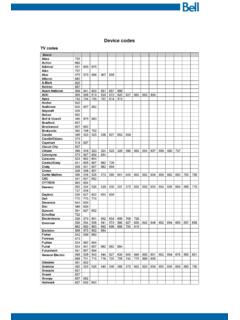
Bell Customer Support Centre
support.bell.caTV codes Brand Abex Action Admiral Aiko Akai Alleron A-Mark Amtron Anam National AOC Apex Archer Audiovox Ba craft Belcor Bell & Howell Bradford Brockwood Broksonic Candle Candle/Citizen Capehart Circuit Cit Citizen Colortyme Concerto Contec/Con Craig Crown Curtis Mathes cxc CYTRON Daewoo Da ron Dell Dimensia

Slim Remote Programming | Bell TV
support.bell.caFibe™ TV remote instructions Programming the remote to your TV 1. Turn on your TV and Fibe receiver. 2.Press and hold the options key for 3 seconds, until the green light flashes twice. Within 10 seconds, enter the Ll-digit code for the brand of your TV (see table below), or use 0001 to search through all brands.
User Guide - Bell
support.bell.ca3 Disclaimer ZTE Corporation expressly disclaims any liability for faults and damages caused by unauthorized modifications of the software. Images and …
Related documents
User Manual - Logitech
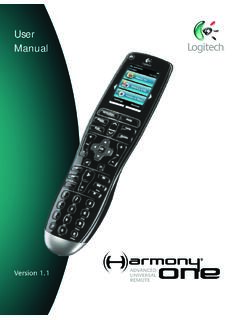
www.logitech.com5 Activities, devices, and inputs The Harmony Advanced Universal Remote is your answer to effortless home entertainment. The Activities button puts control for all your devices in one convenient location. You can go from watching TV to watching a DVD to …
Licensing Windows Desktop OS for Virtual Machines
download.microsoft.comOct 01, 2019 · Any device licensed for Windows 7/8/8.1/10 Pro, Enterprise, or Education, and any Windows tablet with a diagonal screen size of 10.1 inches or less The licensed device only The licensed device only if licensed for Windows 7/8/8.1/10 Pro, Enterprise, or Education Remote access via virtual desktop infrastructure (VDI) or Windows To Go

Operating Instructions (Remote Panel Operation) The ...
support.ricoh.comWhen the administrator requires remote operation while monitoring the device: Remote operation request window (c) appears. To start remote panel operations, have the administrator monitor or operate the device remotely using the following procedures: The user cannot start remote panel operation. (a) When the Monitoring/ remote operation request ...
AT&T TVTM Device and Remote Control
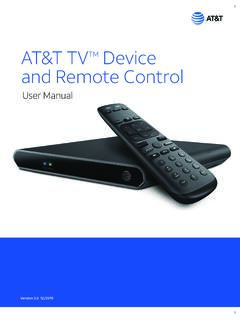
www.att.comRemote Control are: • The RC82V Remote Control works in IR and RF mode. • Basic remote operations can be performed in the IR mode. • The remote uses two-way communication to the AT&T TV. • RF mode eliminates the need for the remote and the paired devices to be in line of sight to each other.

HSIS Remote Access Guide - UAB
www.uab.eduBy definition, Remote Access is the ability to access a computer, network, or network resource from outside of the network’s firewall. ... Tap the App Store Icon on your iOS Device. 2. Tap the Search icon and enter RSA SecurID into the search field. 3. Select RSA SecurID then tap Get to download. 12 RSA SecurID for Android

1 Explore Your Remote 2 Control Your Altice One 3 Control ...
help.suddenlink.comThis device complies with Part 15 of the FCC Rules. Operation is subject to the following two conditions: (1) this device may not cause harmful interference, and (2) this device must accept any interference received, including interference that may cause undesired operation. This equipment has been tested and found to comply with the limits
Pico Wireless Control SPEC (369612)
www.lutron.comdevice that allows the user to control Lutron wireless load-control devices from anywhere in the space. This battery-operated control requires no external power or ... – Serena RF remote control shades – Sivoia QS wireless systems • Control available in a variety of button marking options.